eBay MC011 Suspension: How to Fix It and Sell Again

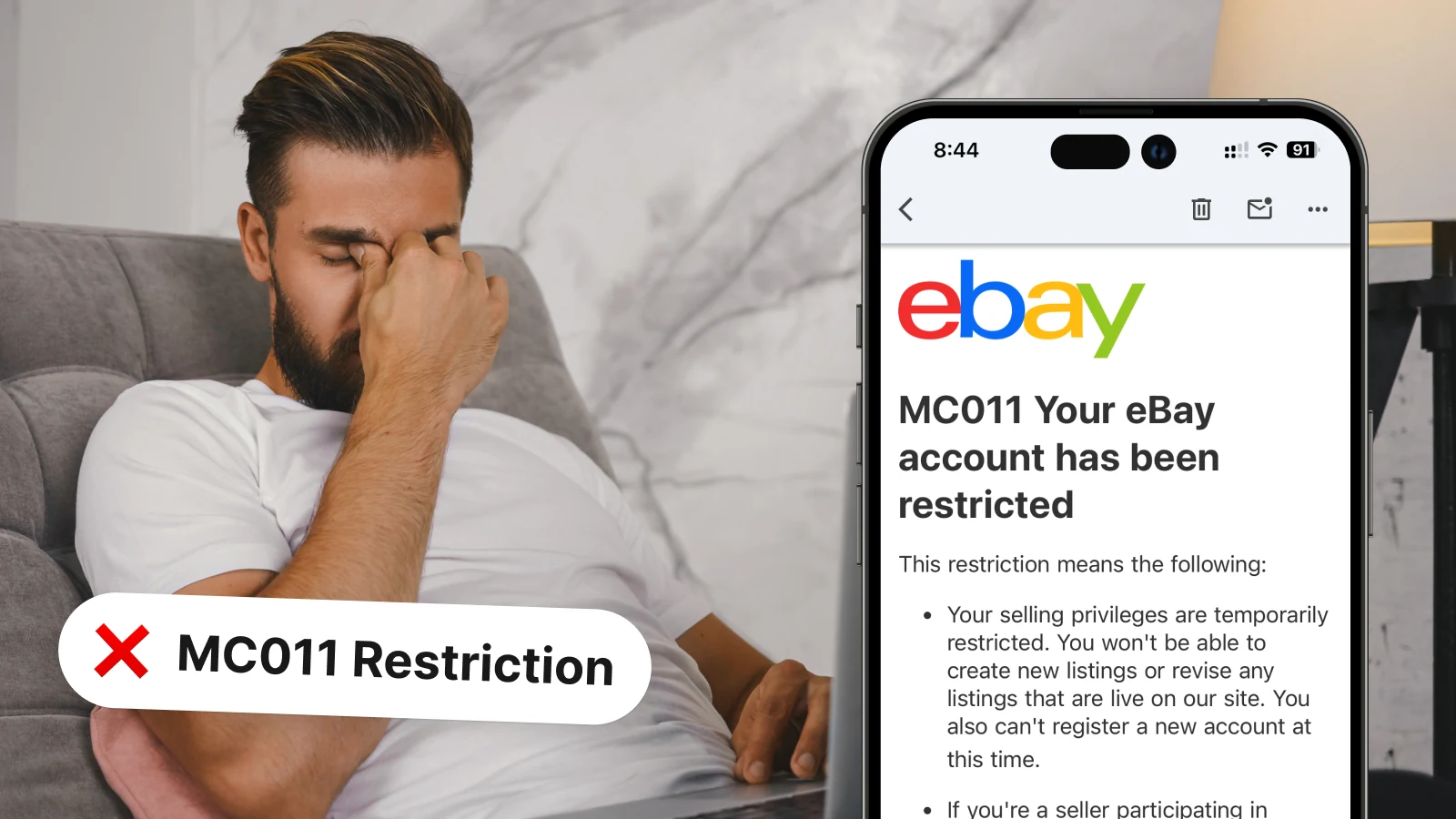
Your eBay account is restricted. The email says MC011. You tried calling support and got nowhere. This guide covers exactly what MC011 is, why it happens, and the specific steps that actually get accounts reinstated.
What Is eBay MC011?
MC011 is a permanent account restriction that eBay's internal compliance team issues when your account poses a risk to buyers or the marketplace. Unlike standard policy warnings, MC011 is not handled by general customer support. It requires a formal appeal directly to eBay's back-office team with supporting documentation.
Until the appeal is resolved, you cannot buy or sell on eBay.
Why eBay Suspends Accounts with MC011
eBay triggers MC011 when multiple risk signals accumulate on an account. The most common causes:
- Low tracking upload rate: Shipping items without uploading tracking numbers signals non-delivery risk to eBay's systems.
- Unresolved buyer cases: Multiple open cases with no seller response erode your buyer trust metrics fast.
- High cancellation and return rate: eBay's defect rate threshold is strict. Crossing it repeatedly flags your account for review.
- Poor buyer communication: Not responding to messages within 24 hours contributes to case escalations that eBay counts against you.
- Too many cases closed without seller resolution: eBay tracks how often disputes resolve in the buyer's favour without your involvement.
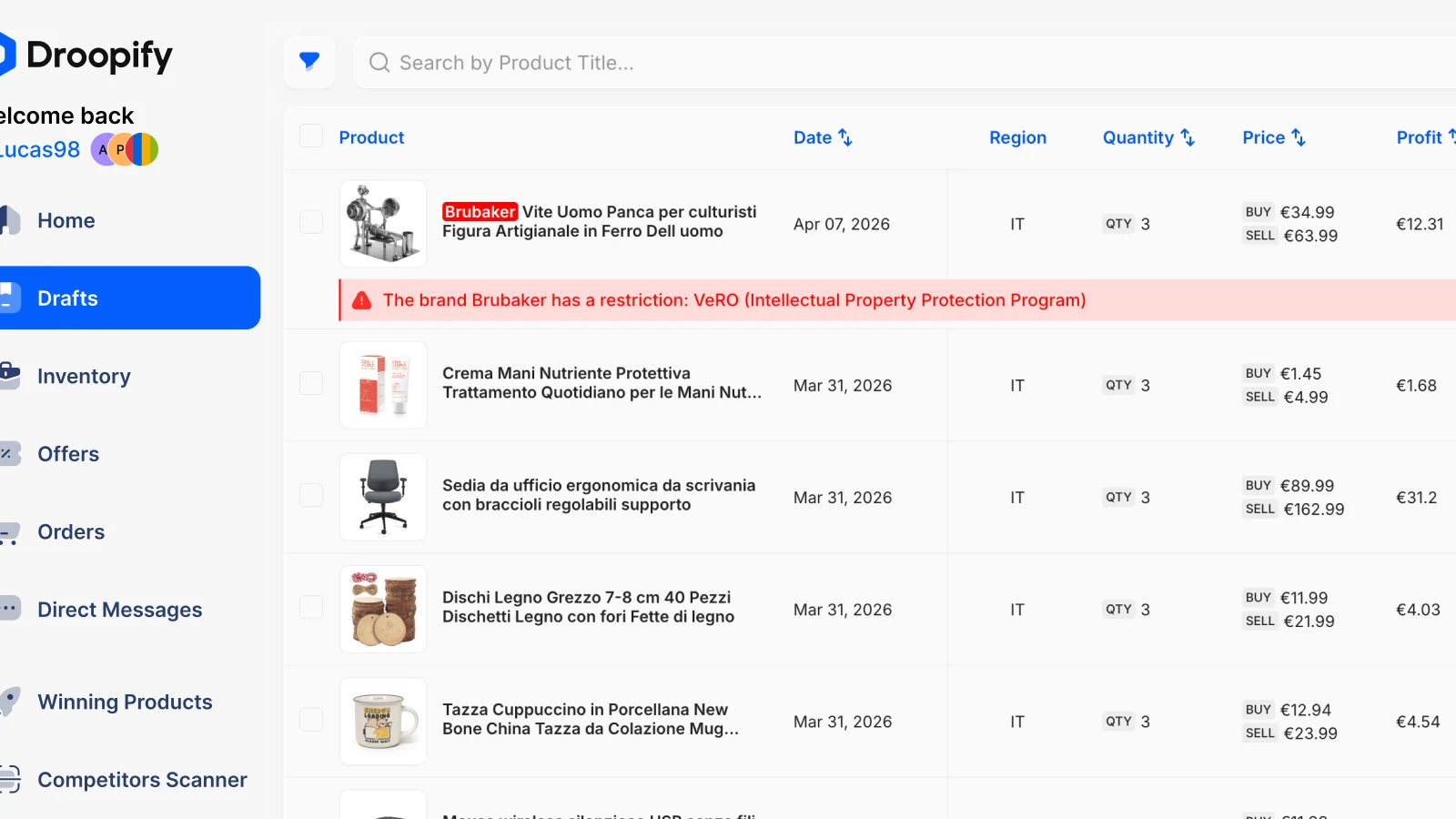
- Selling branded or high-risk products: Listing items from brands like Nike, Lego, or Apple attracts VeRO checks and additional scrutiny from eBay's trust team.
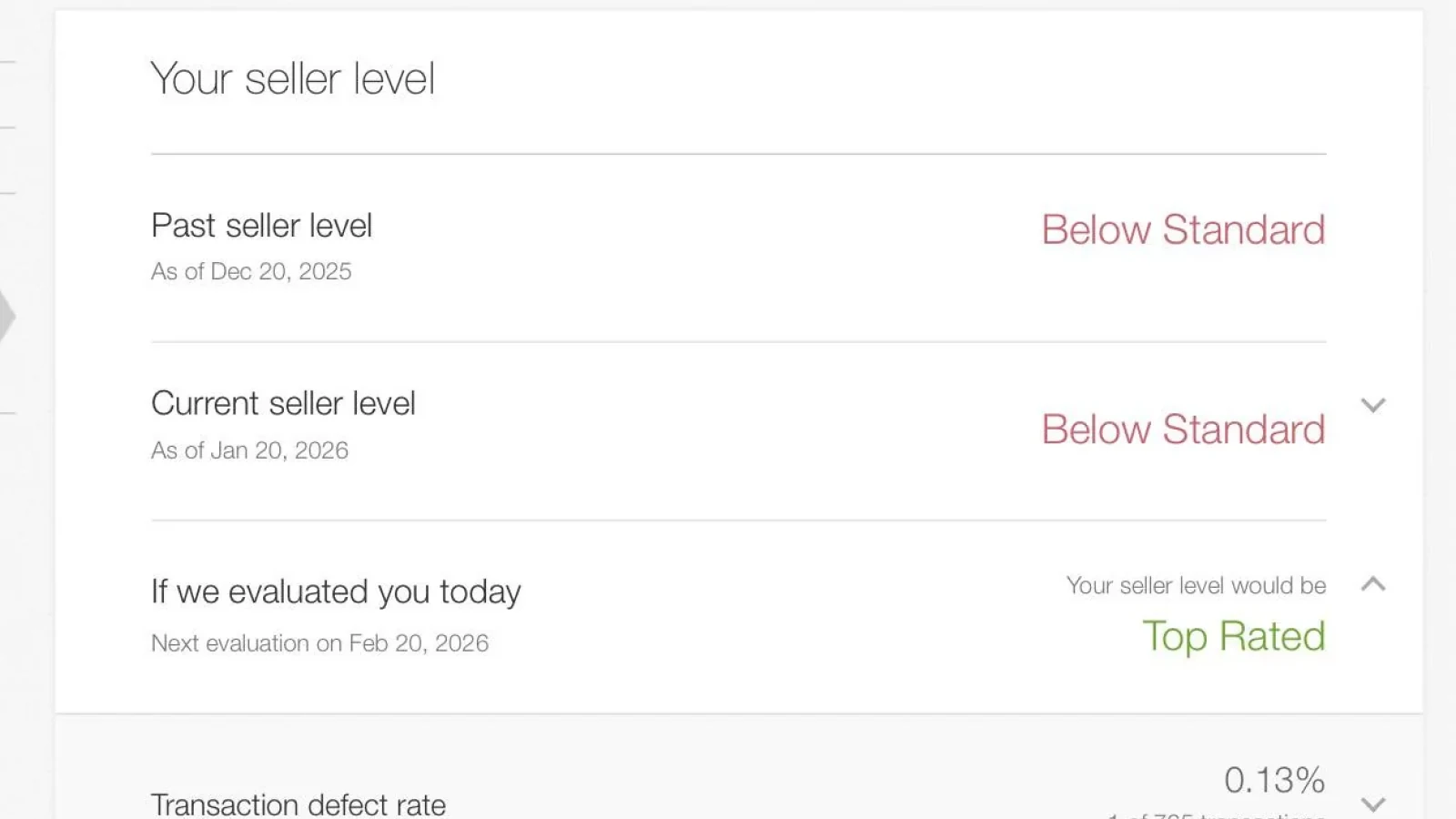
Understanding what triggered the restriction is key to writing a compelling appeal.
Don't miss our guides
How to Fix an eBay MC011 Suspension
Step 1: Do Not Call General Support
eBay's standard customer service team cannot resolve MC011. They will tell you to respond to the email you received. Calling is wasted time.
The only team that handles MC011 is eBay's internal back-office. The only way to reach them is through the appeal link in the restriction email.
Step 2: Find the Appeal Link
Open the MC011 email from eBay. There is a link to upload documents and submit your appeal. If the link is missing or expired, reply to the email directly and ask for a new appeal link.
Do not use third-party forms or unofficial portals.
Step 3: Gather Your Documents
Submit all three document types. Incomplete submissions are the main reason appeals fail at the first attempt.
- Identity verification: A driver's license or national ID. Photograph both sides with all four corners visible, high resolution, no glare.
- Proof of address: A recent utility or phone bill issued within the last 3 months. Must show your full name and current address.
- Proof of inventory: Purchase at least 3 items from a legitimate supplier (Amazon, a wholesale platform) using a credit or debit card. Ship them to the address registered on your eBay account. Download the invoices and submit them.
The inventory proof is the document most sellers forget or underestimate. It demonstrates you have a real supply chain and genuine goods to sell, which is exactly what eBay's compliance team needs to see.
Step 4: Write a Strong Appeal Message
The document upload form includes a comment box. Use it strategically:
- State that you take full responsibility for the metrics that triggered the restriction.
- Explain the specific actions you have taken or will take to prevent recurrence (for example, automated tracking upload, faster response times, removing at-risk listings).
- Reference your positive feedback score and history of successful transactions.
- Request reinstatement and commit to full compliance going forward.
Keep the tone professional and factual. Do not argue that eBay made an error unless you have clear, documented evidence.
Step 5: Follow Up Correctly
After submitting:
- Wait 24 to 48 hours before following up.
- Reply in the original email thread, not a new email, to maintain context for the reviewer.
- Keep copies of all submitted documents in case eBay requests resubmission.
- If no response arrives after 5 business days, escalate politely within the same thread.
How Long Does the MC011 Appeal Take?
Standard MC011 appeals can take up to 3 months. Most are initially rejected when documentation is incomplete.
Sellers who submit complete documentation with a well-structured appeal message typically receive a decision within 5 to 14 days. First-time suspensions on accounts with a clean prior history have the highest reinstatement rate.
Can You Open Another eBay Account?
No. Opening a new account with the same personal details, payment method, IP address, or device violates eBay's multi-account policy and leads to the new account being suspended immediately.
A family member who has never had an eBay account can open one independently, as long as there is no shared financial data, device, or IP address linking it to the suspended account.
How to Prevent MC011 From Happening Again
MC011 is preventable. The three levers that matter most are tracking, defect rate, and inventory compliance.
Tracking: Upload tracking numbers within 24 hours of every shipment. Consistent tracking data is the single most effective way to maintain good standing with eBay. If you're managing volume, Droopify's Automatic Order Fulfillment handles tracking upload automatically across all your listings, and Tracking Code Conversion converts supplier codes into the format eBay accepts without manual work. Try it free for 14 days.
Defect rate: Respond to buyer messages within 24 hours. Resolve disputes before they escalate to open cases. Cancel orders proactively if stock is unavailable rather than waiting for buyers to file a case.
Inventory compliance: Avoid listing products from brands with active VeRO programs. Droopify's VeRO Detector flags at-risk products before you publish them, so you can remove them from your import queue before a VeRO complaint triggers a restriction. Learn more about the VeRO Detector.
Should You Use a Paid MC011 Removal Service?
Services advertised on Facebook or seller forums claim to remove MC011 for fees ranging from a few hundred to several thousand dollars. Some are scams. Others are legitimate but offer no guarantee and engaging them may violate eBay's terms of service by introducing a third party into a confidential account process.
The process described in this guide is the official route and costs nothing. Follow it correctly and you do not need a paid service.
Frequently Asked Questions
Is MC011 a permanent ban? MC011 is a permanent restriction, but it can be reversed through the formal appeal process. Accounts are not reinstated automatically: you must submit the required documents and a written appeal message.
What if my MC011 appeal is rejected? You can submit a second appeal with additional or revised documentation. Address the specific reasons cited in the rejection. Second appeals that include stronger inventory proof and a revised letter succeed more often than the first submission.
Does MC011 affect my eBay Managed Payments account? MC011 restricts your selling access. Depending on the reason, eBay may also place holds on funds through Managed Payments. Contact eBay's payments team separately if funds are being held.
Can I sell through a family member's account while mine is suspended? A family member can open an independent account. That account must have zero connection to the suspended one: different device, different IP, different payment method, and ideally a different address.
What is the difference between MC011 and other eBay restrictions? MC011 is issued by eBay's internal compliance team, not standard policy enforcement. It requires document verification rather than just accepting a policy update. It is generally more serious than MC999 or MC108 restrictions and takes longer to resolve.