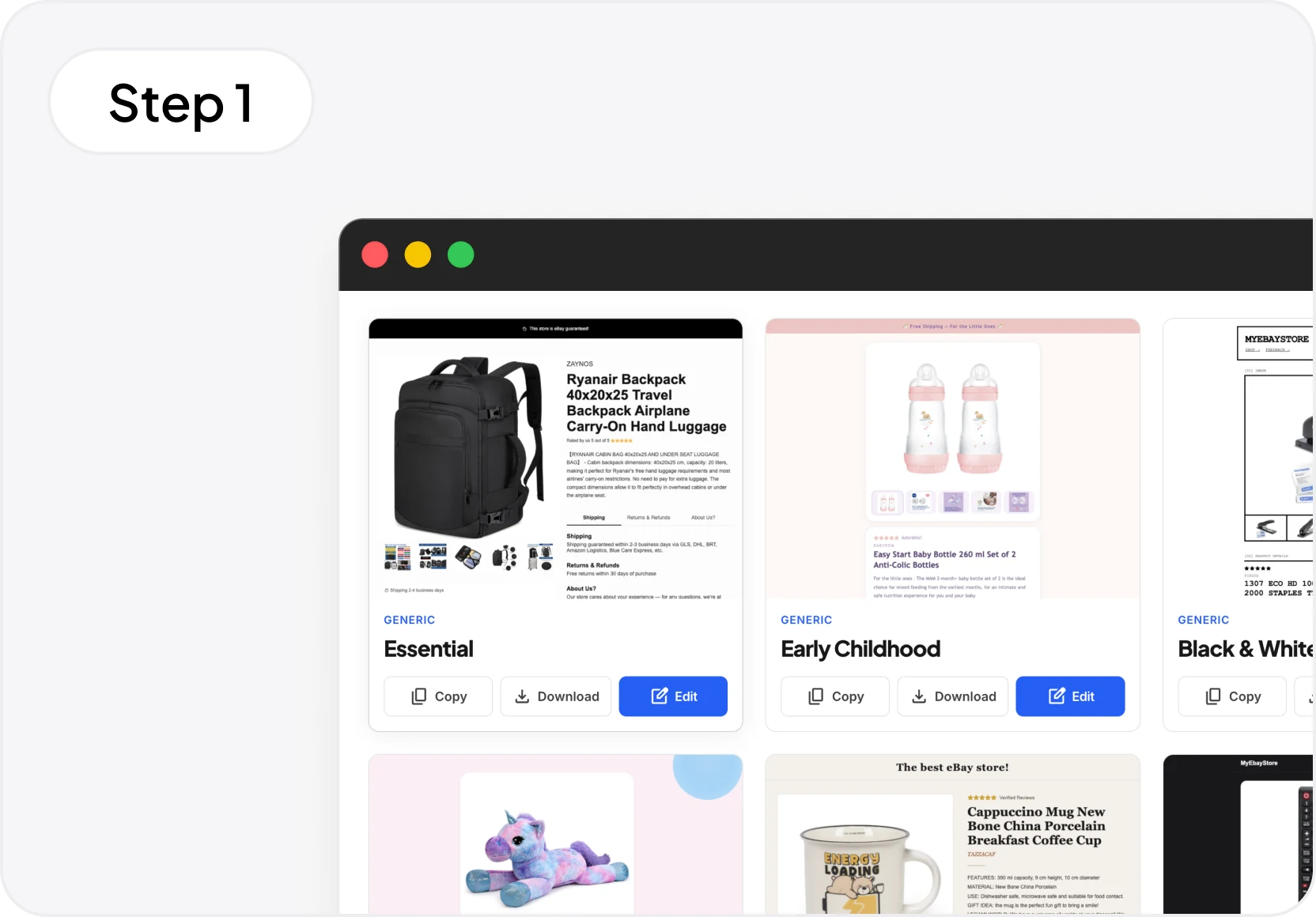
1. Choose a template. Browse the gallery and find the perfect one for your style and products.
Choose from dozens of ready-to-use templates for your eBay listings. Customize them with the eBay template editor. No technical skills required.

1. Choose a template. Browse the gallery and find the perfect one for your style and products.
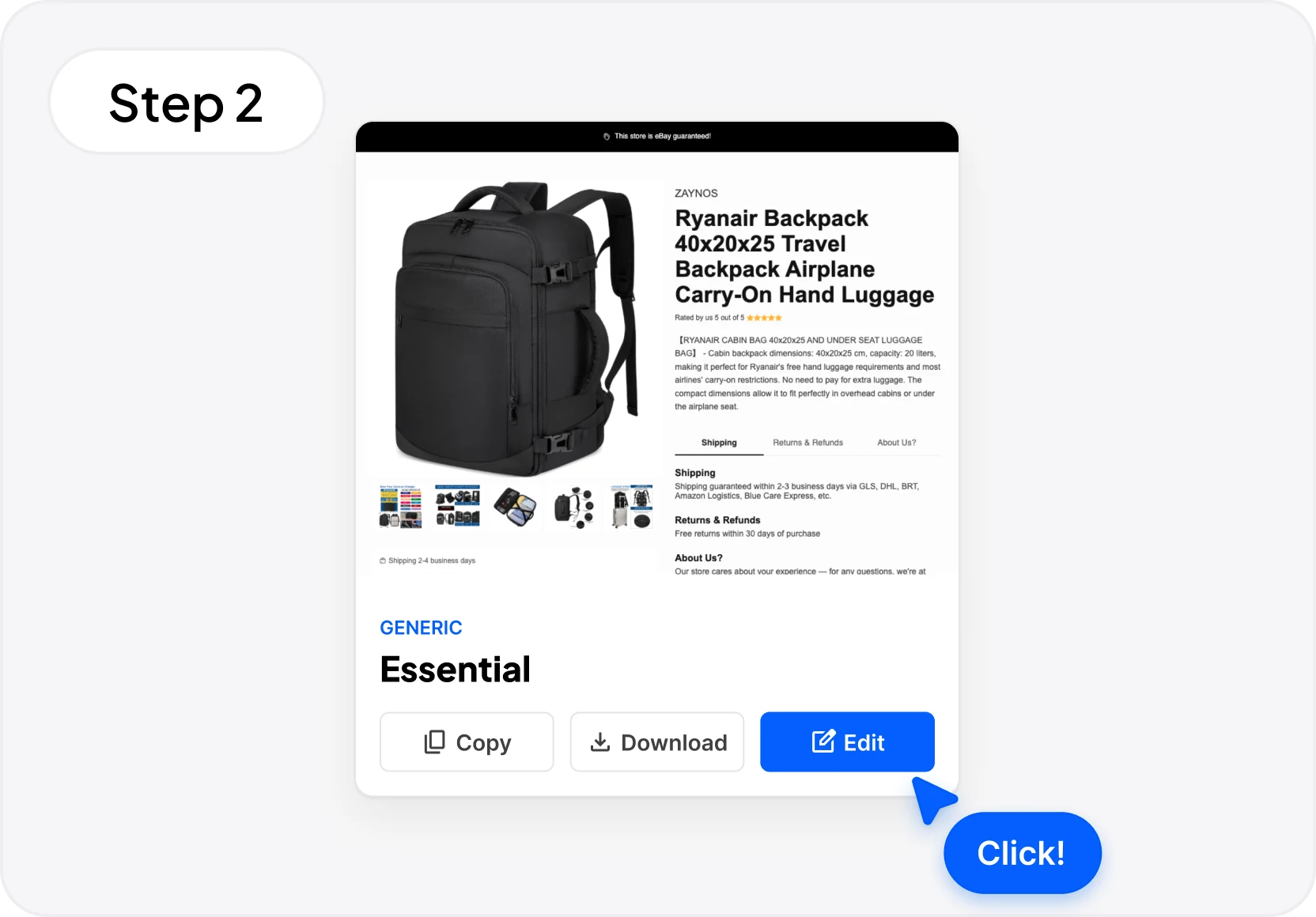
2. Customize it. Open the drag & drop editor, edit text, colors, and images in just a few clicks.
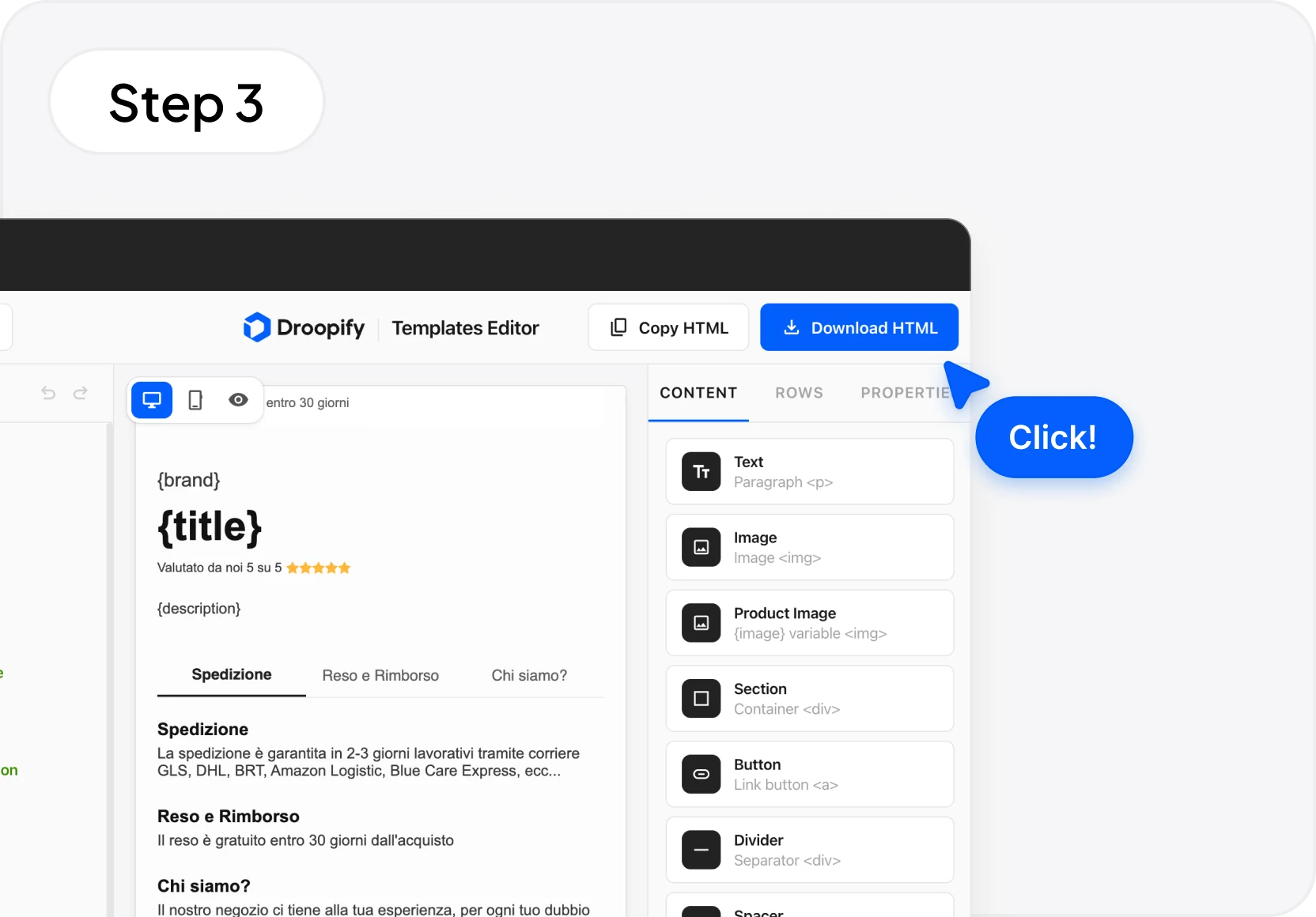
3. Copy or download the HTML. Paste the code into your eBay listing description and you're live.
Choose a template, customize it, and use it in your eBay listings.
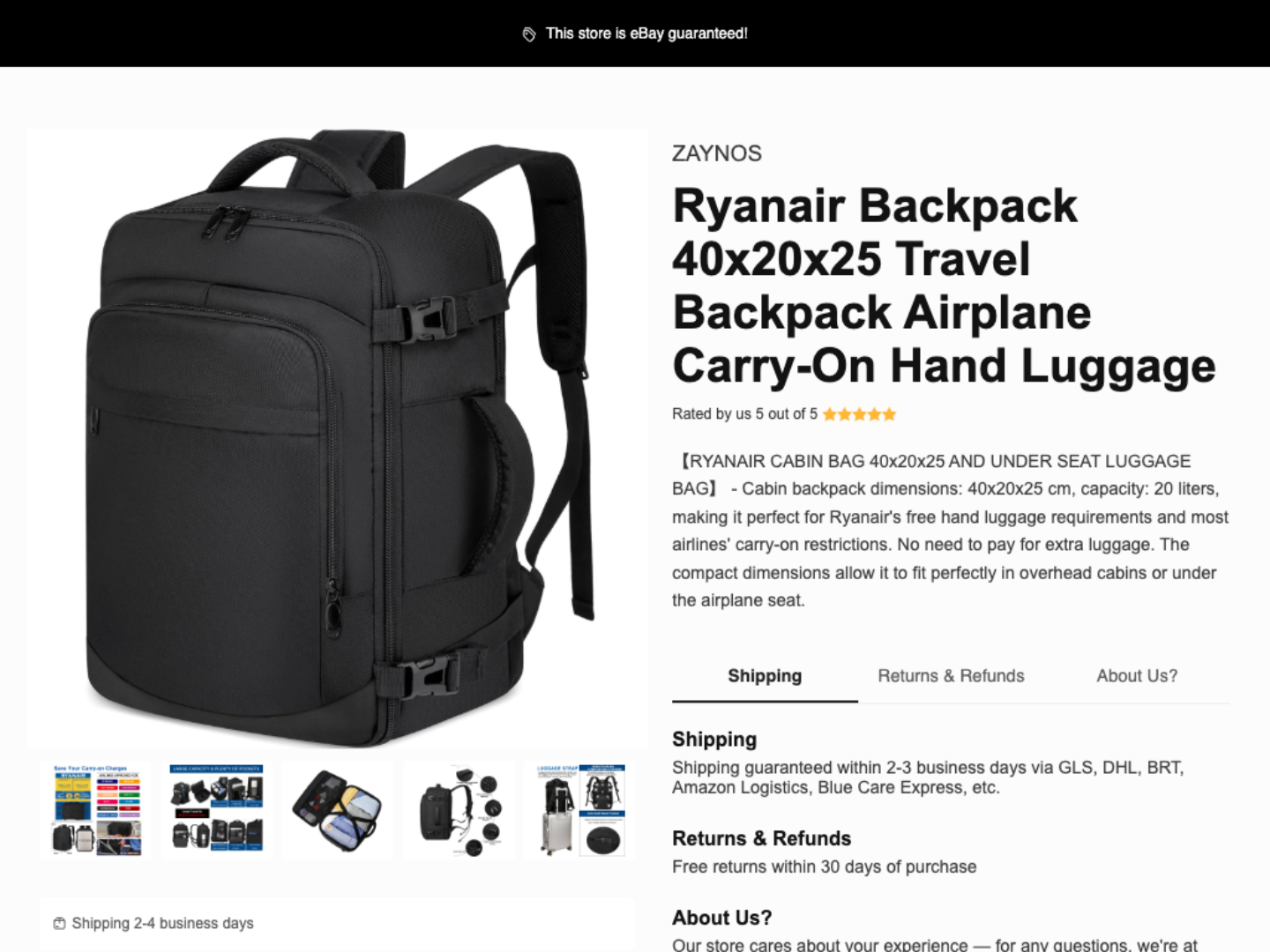
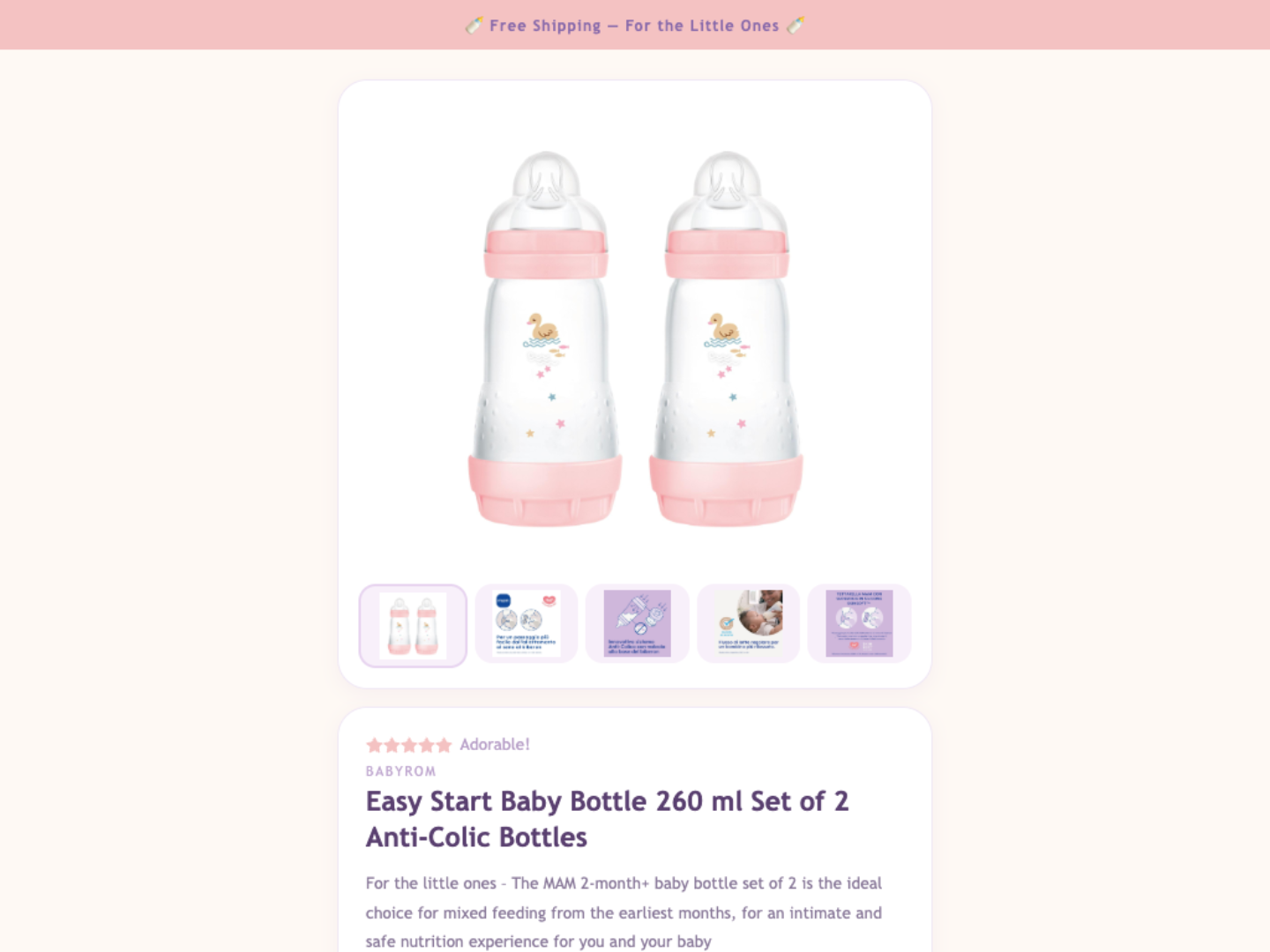
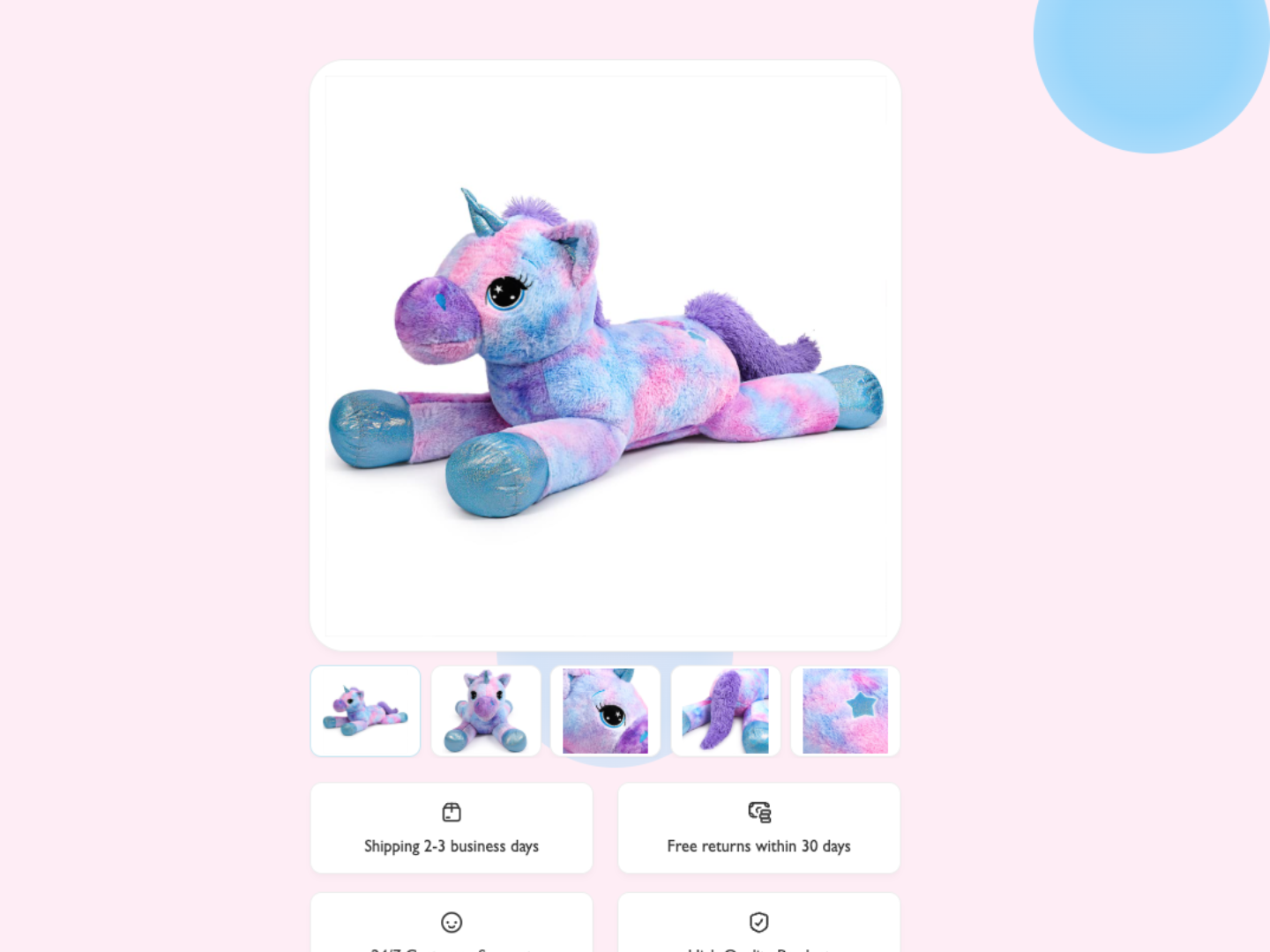
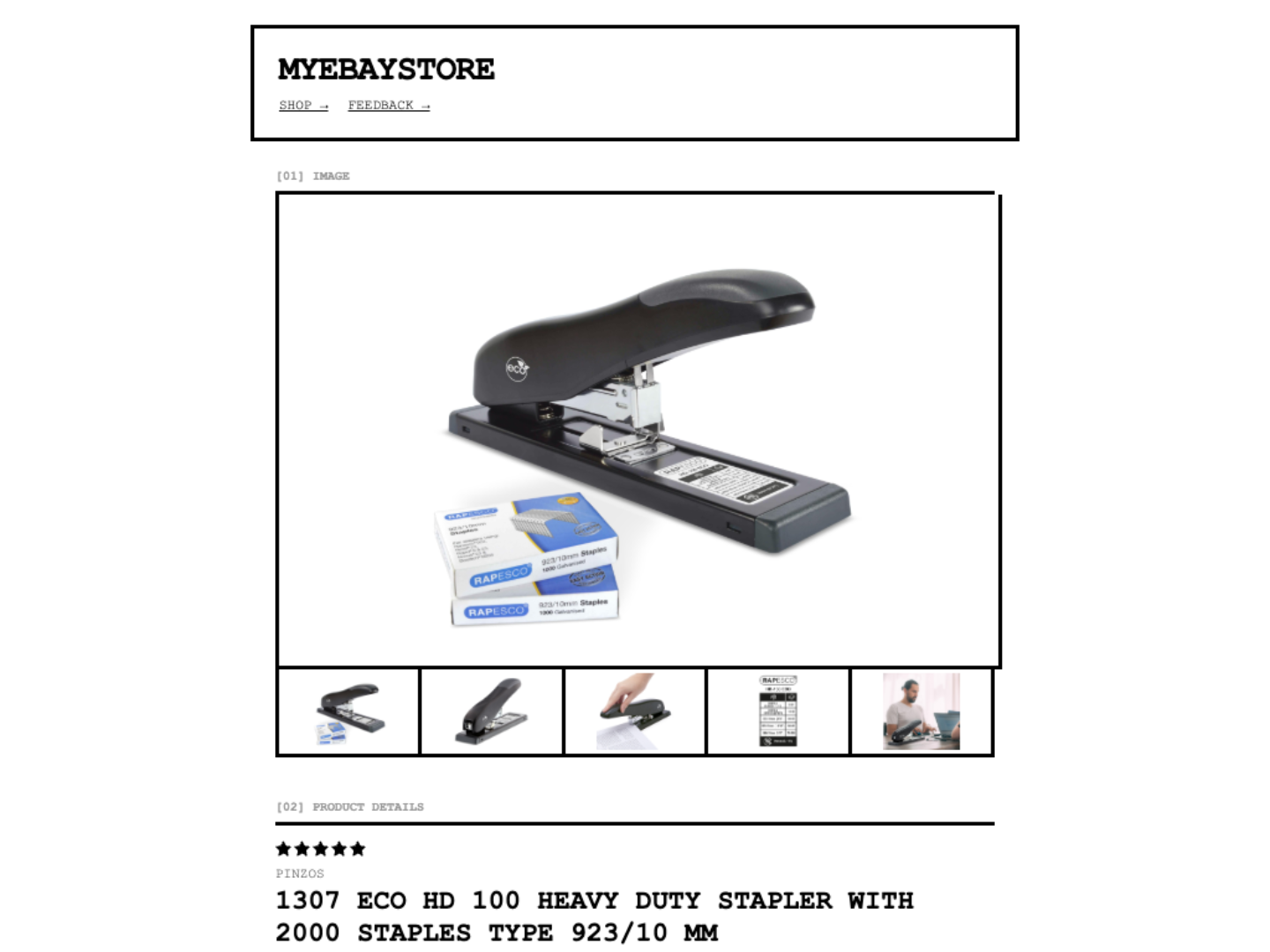
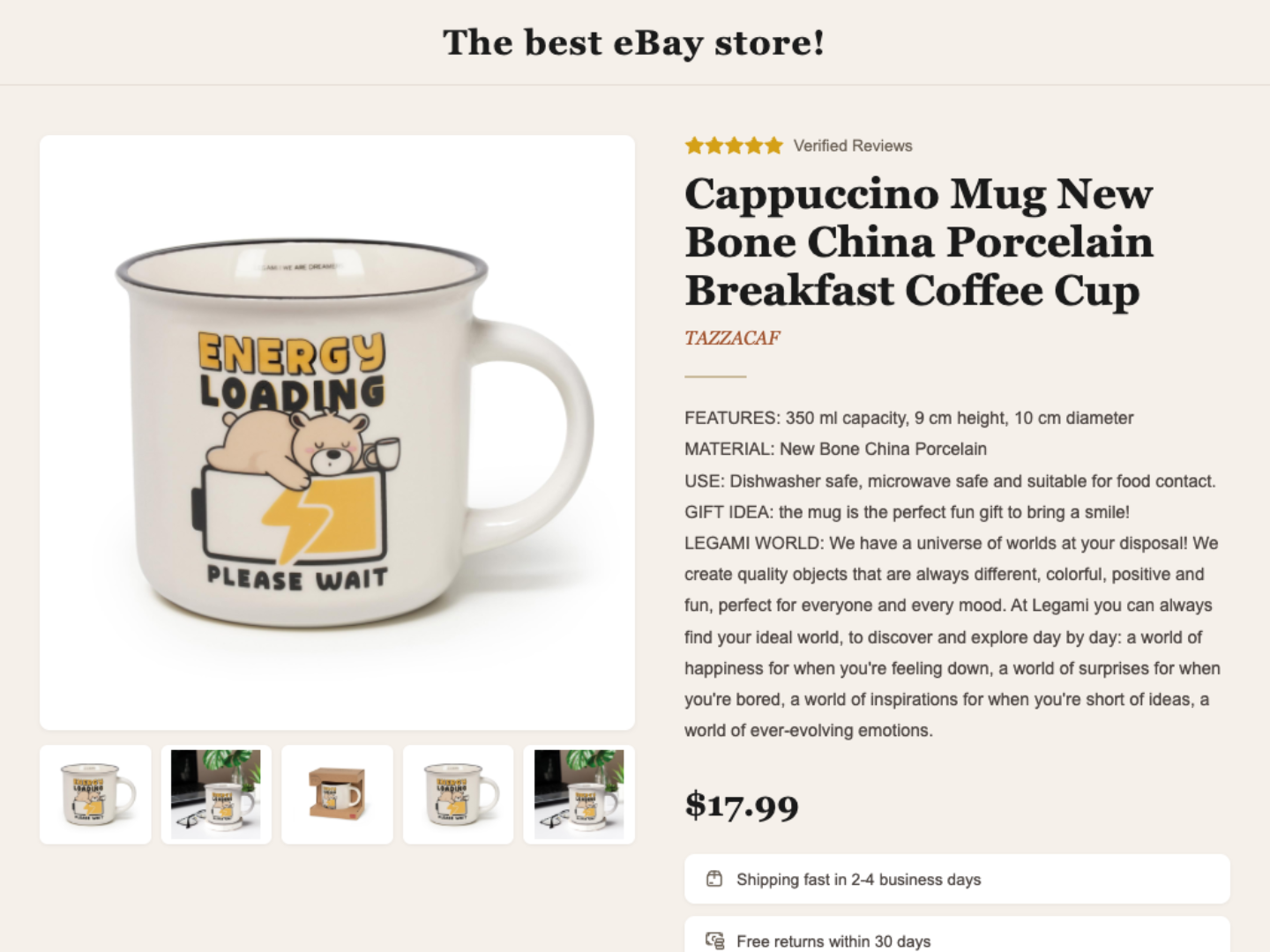
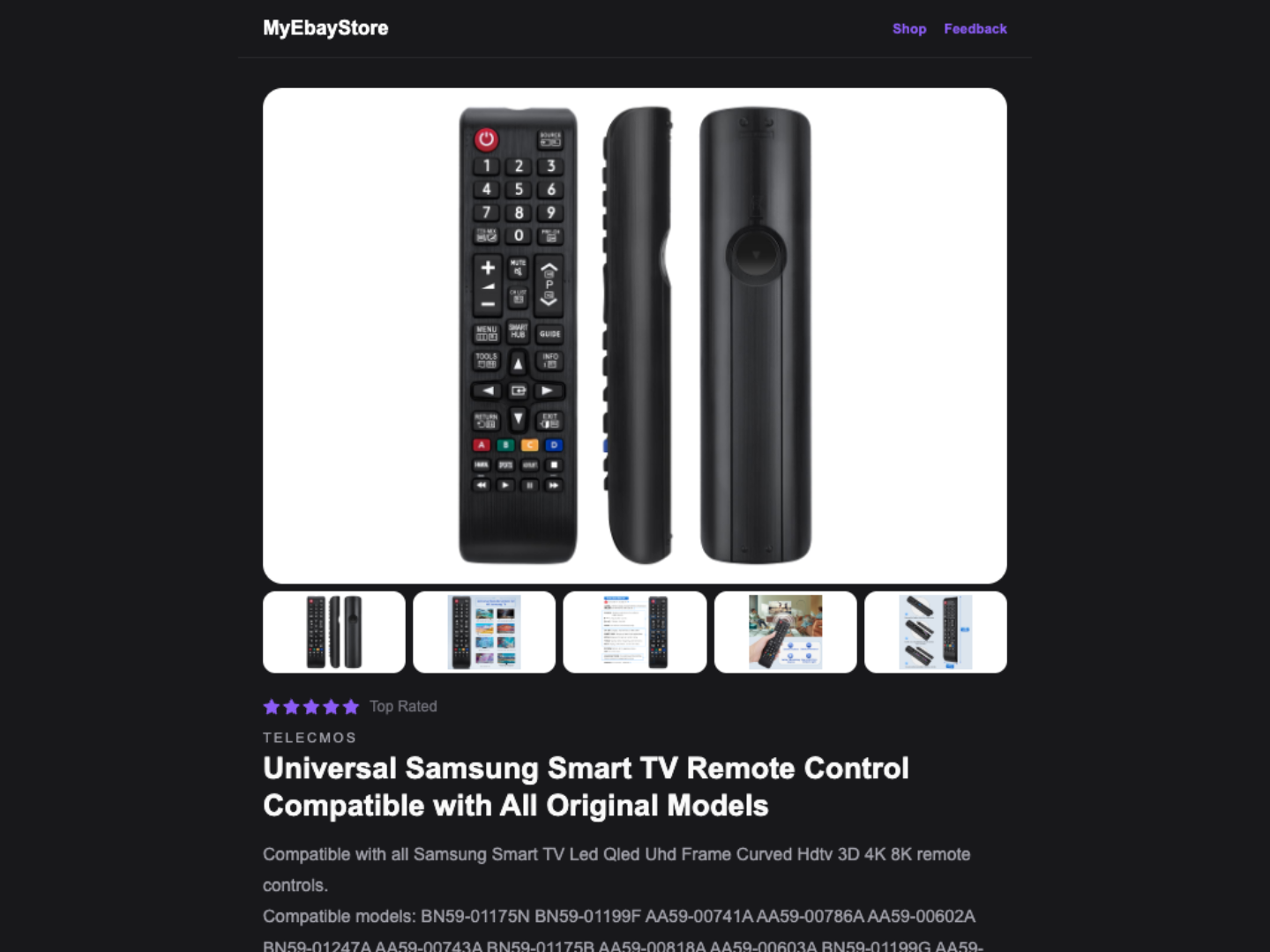
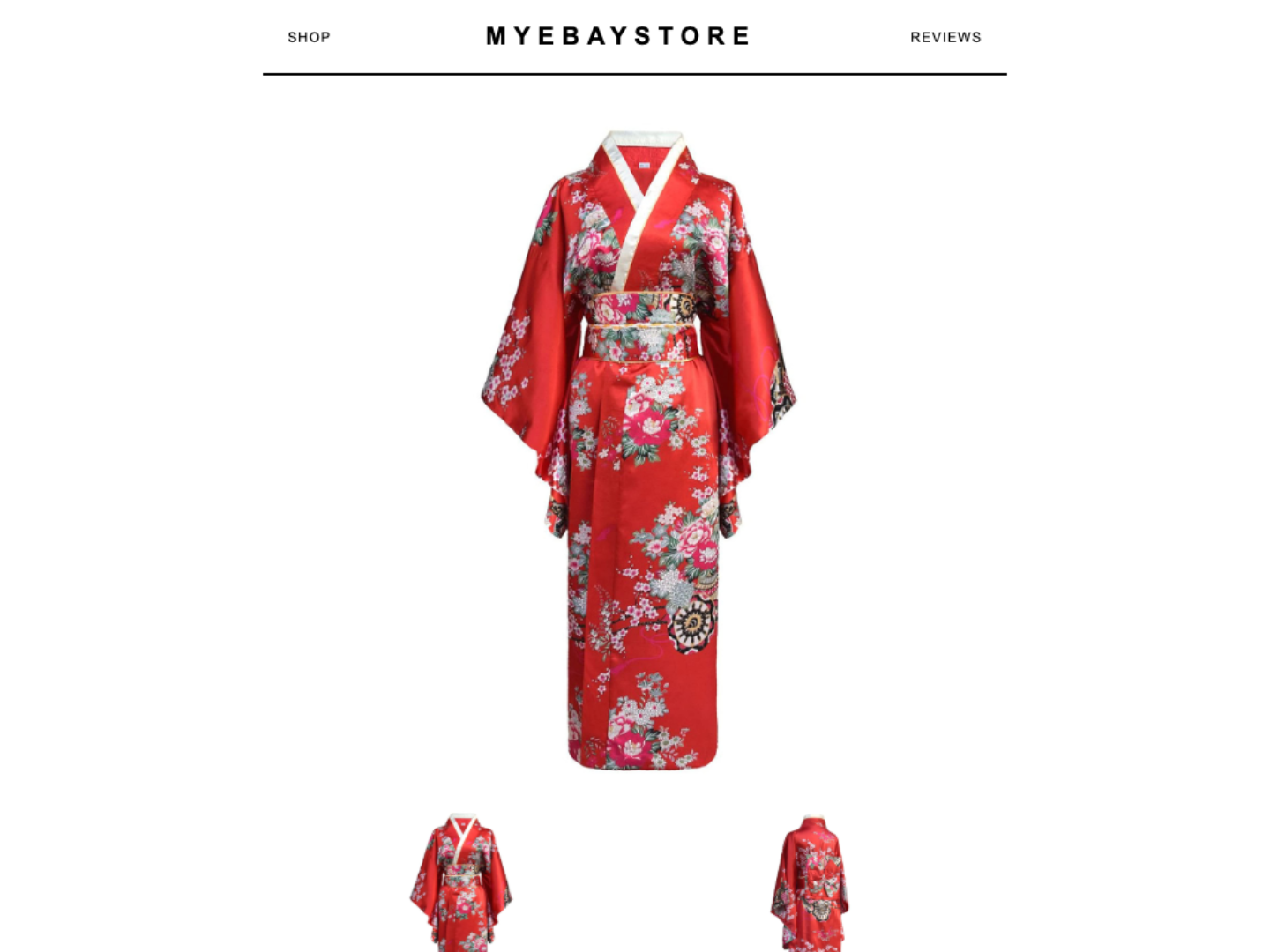
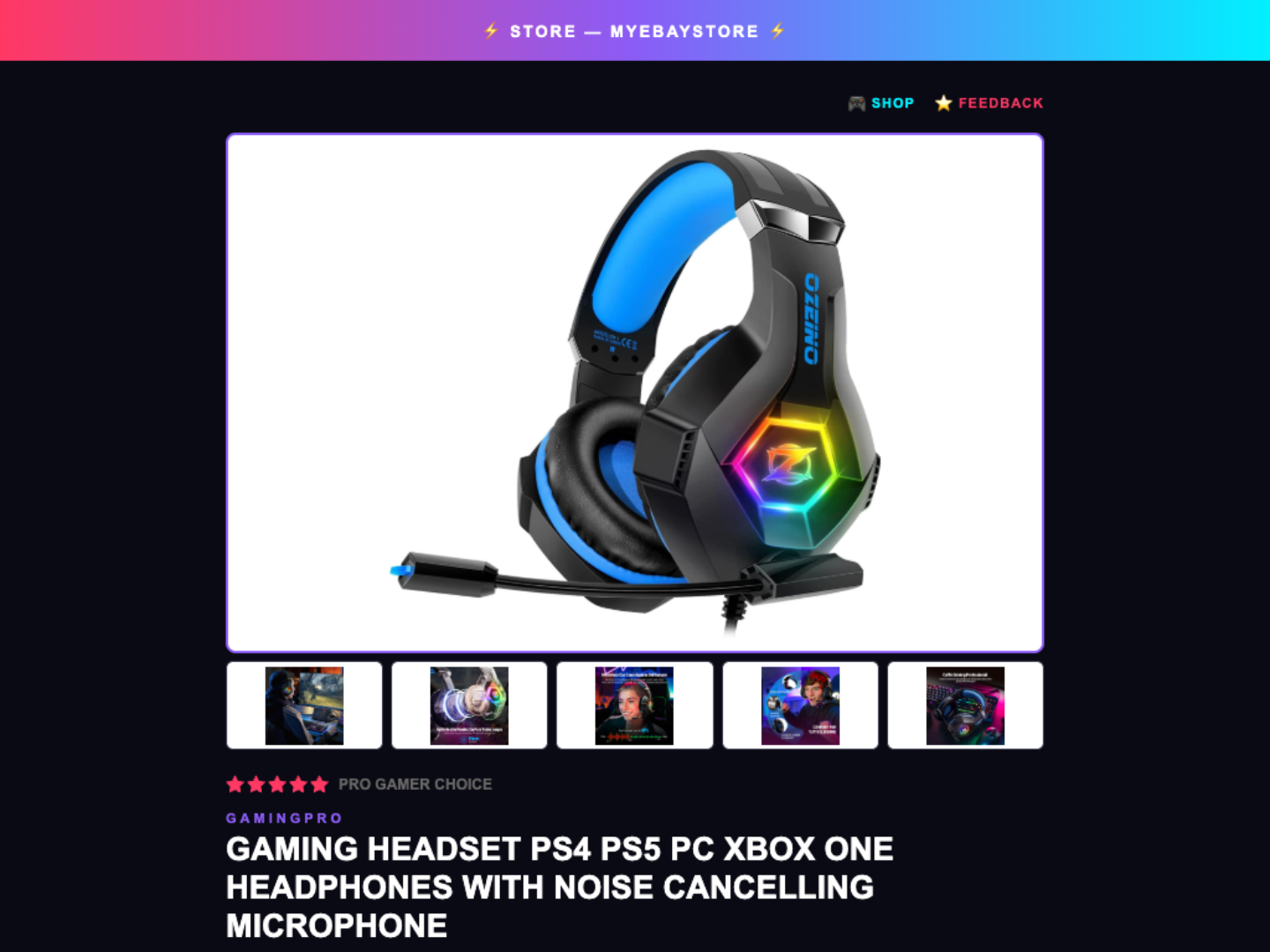
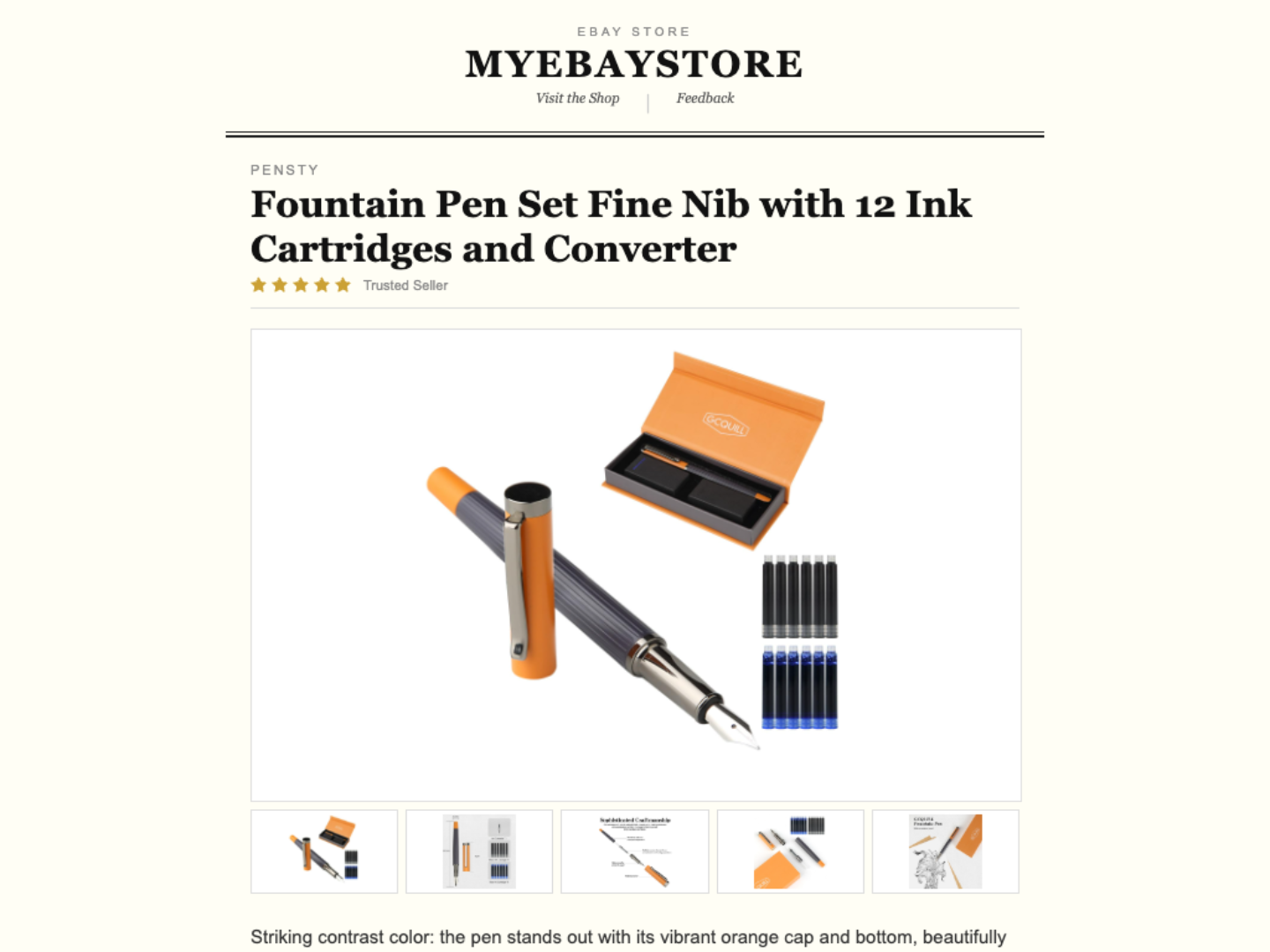
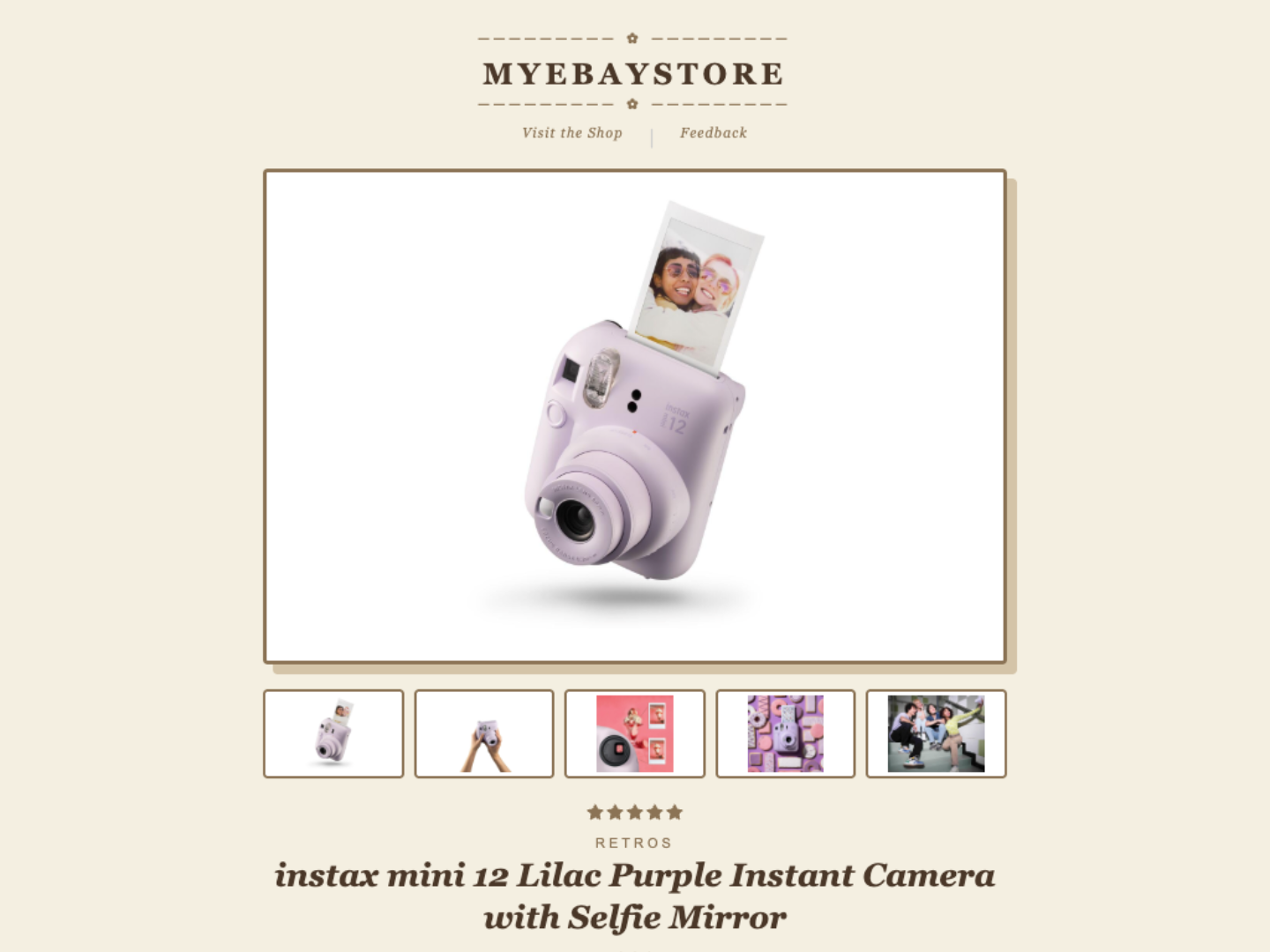
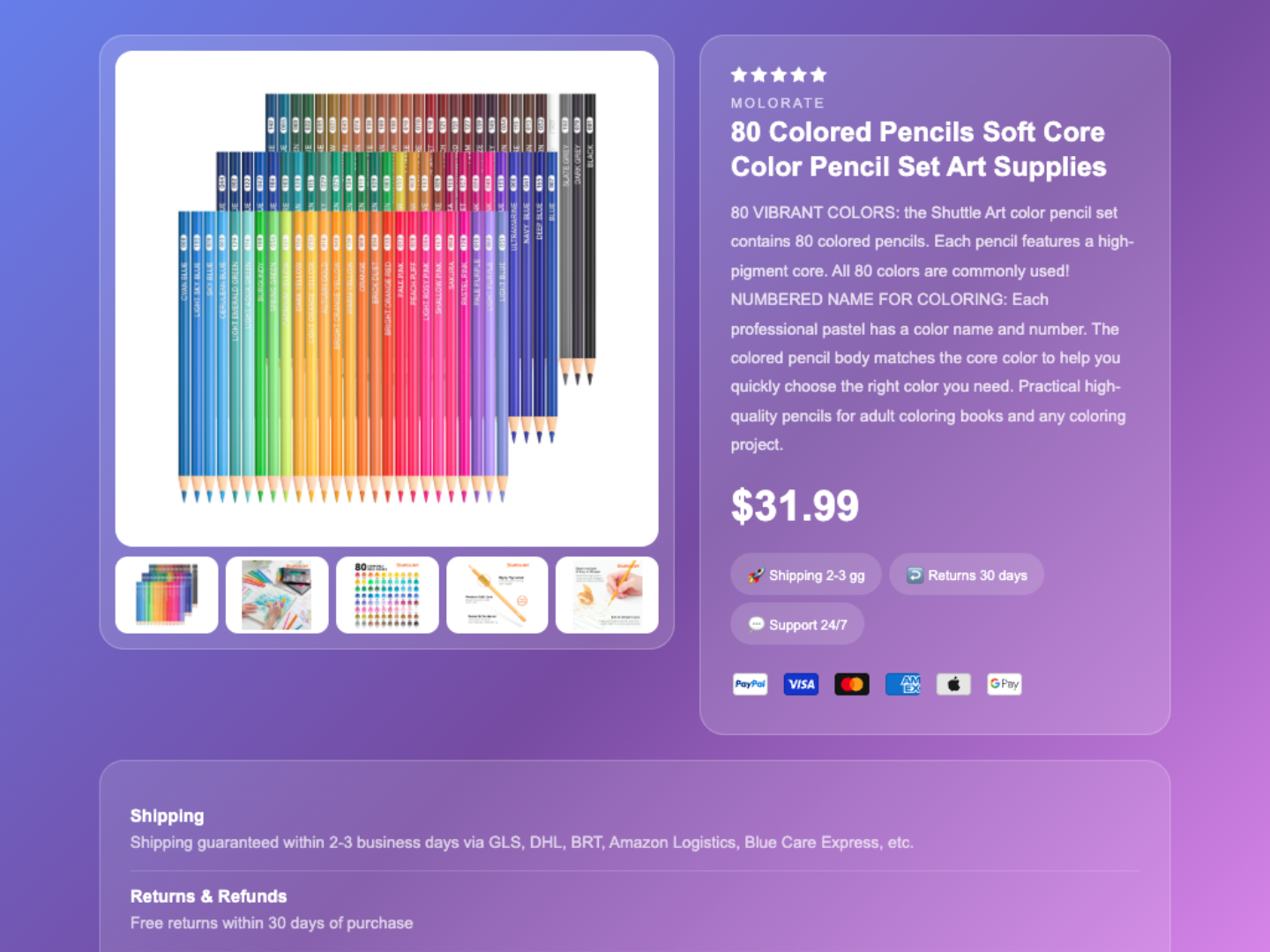
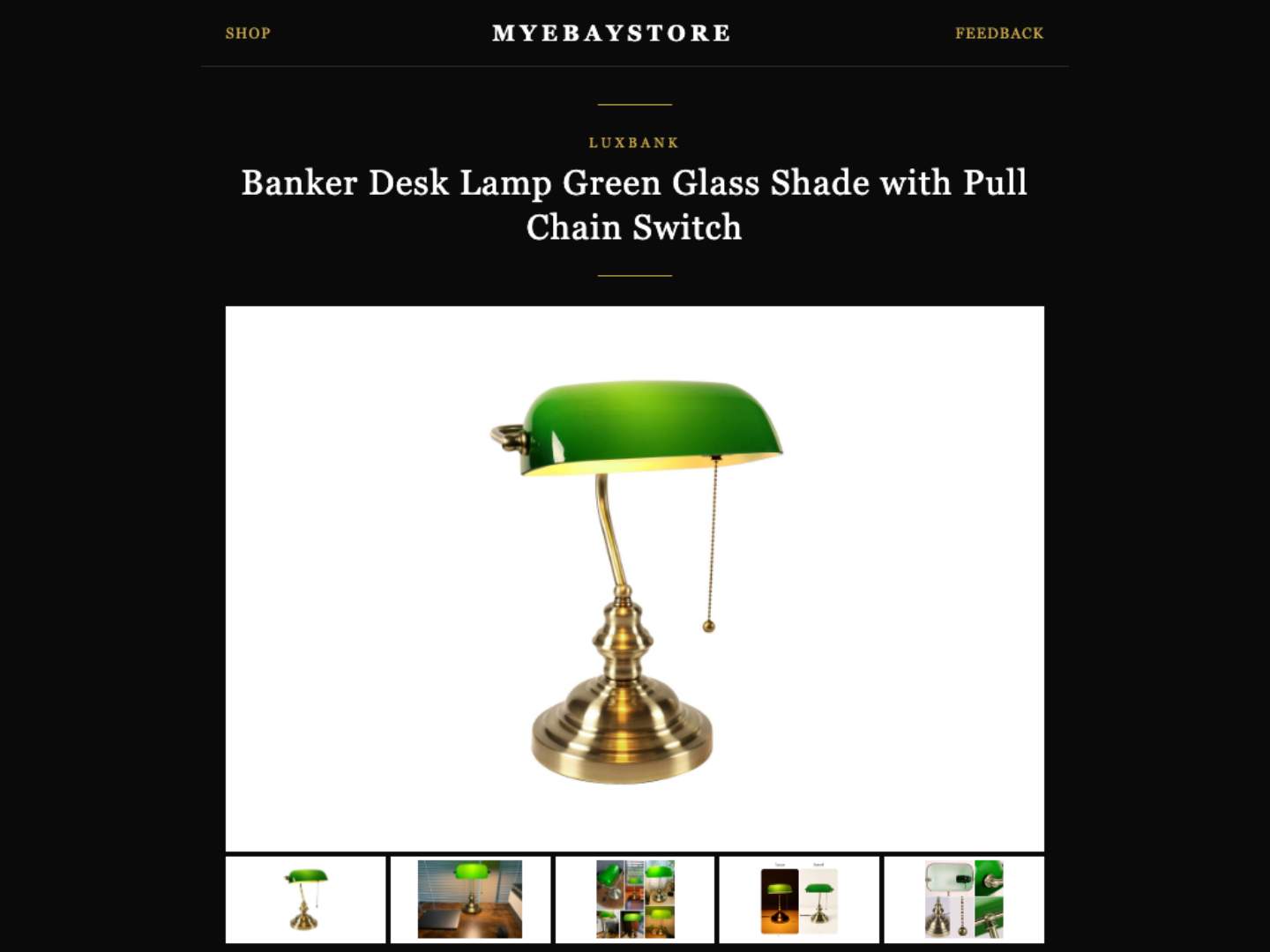
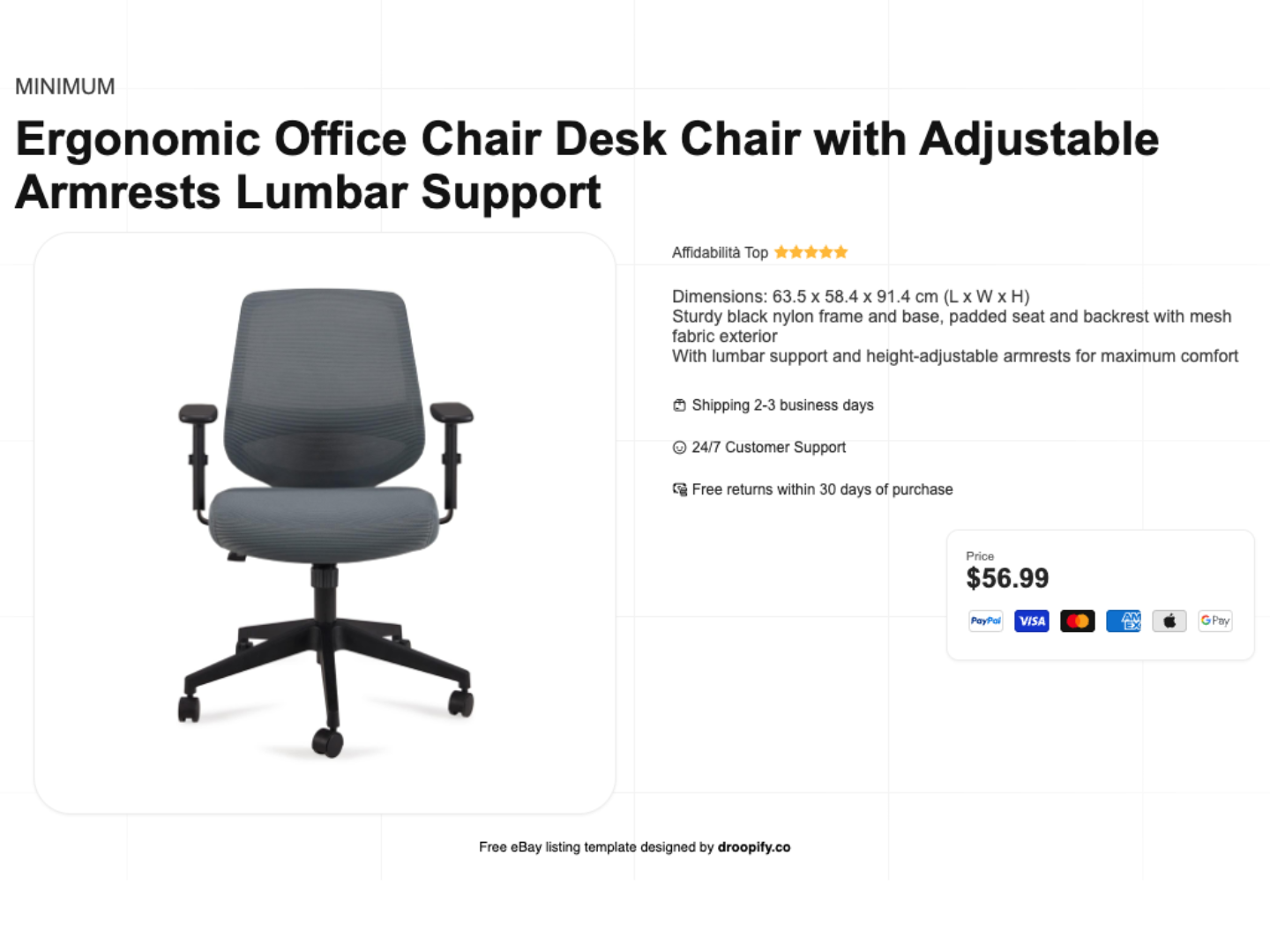
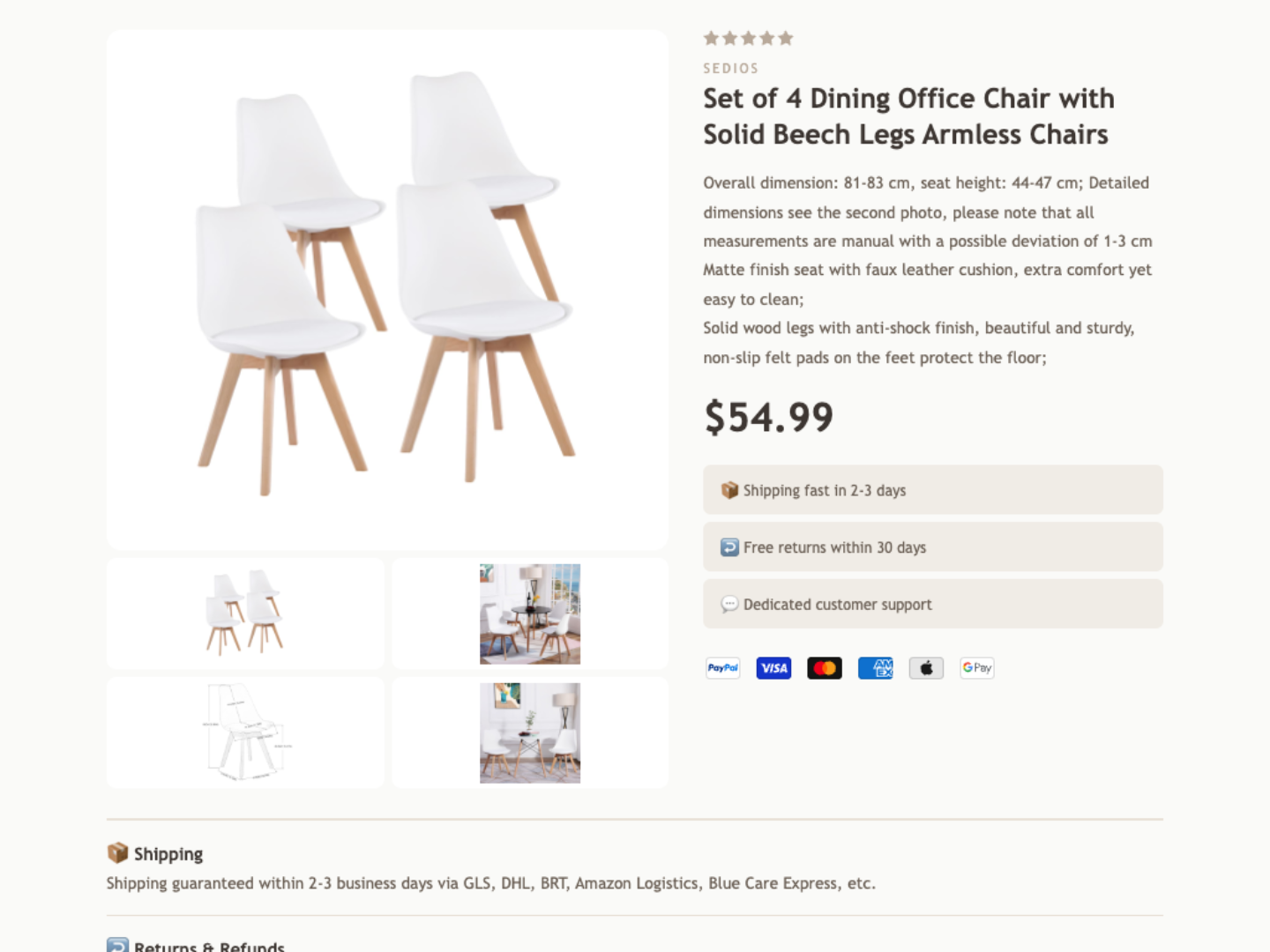
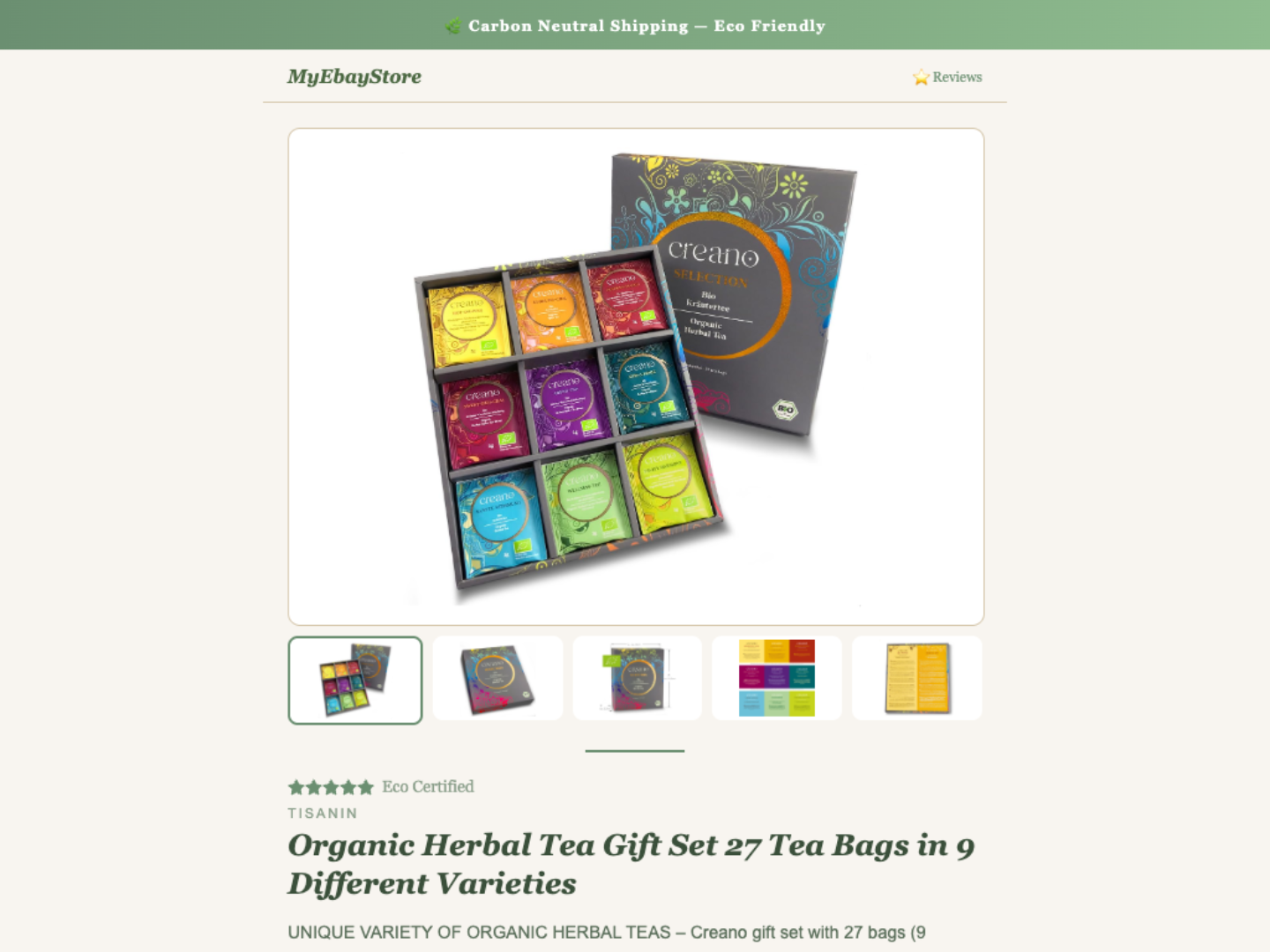
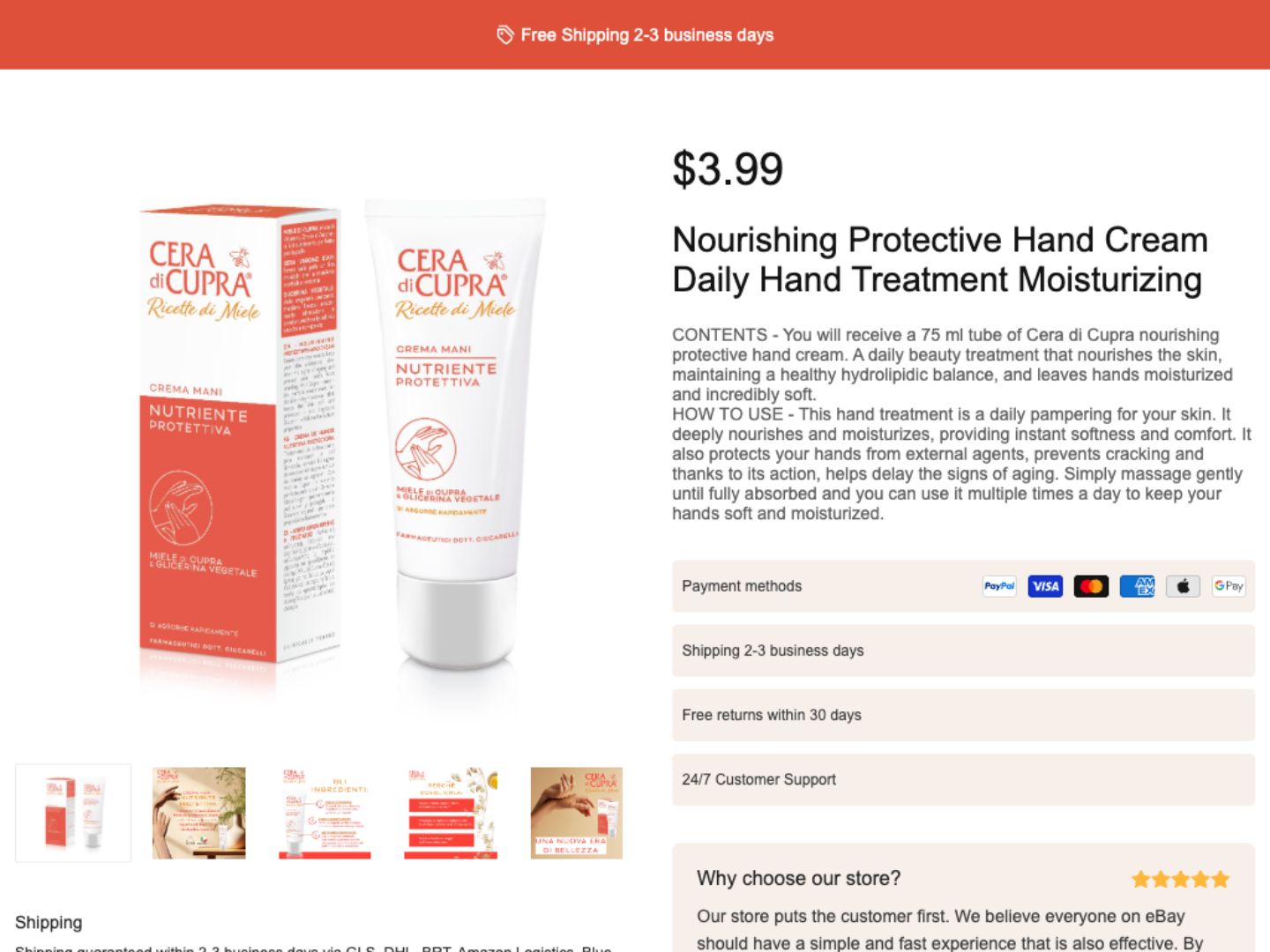
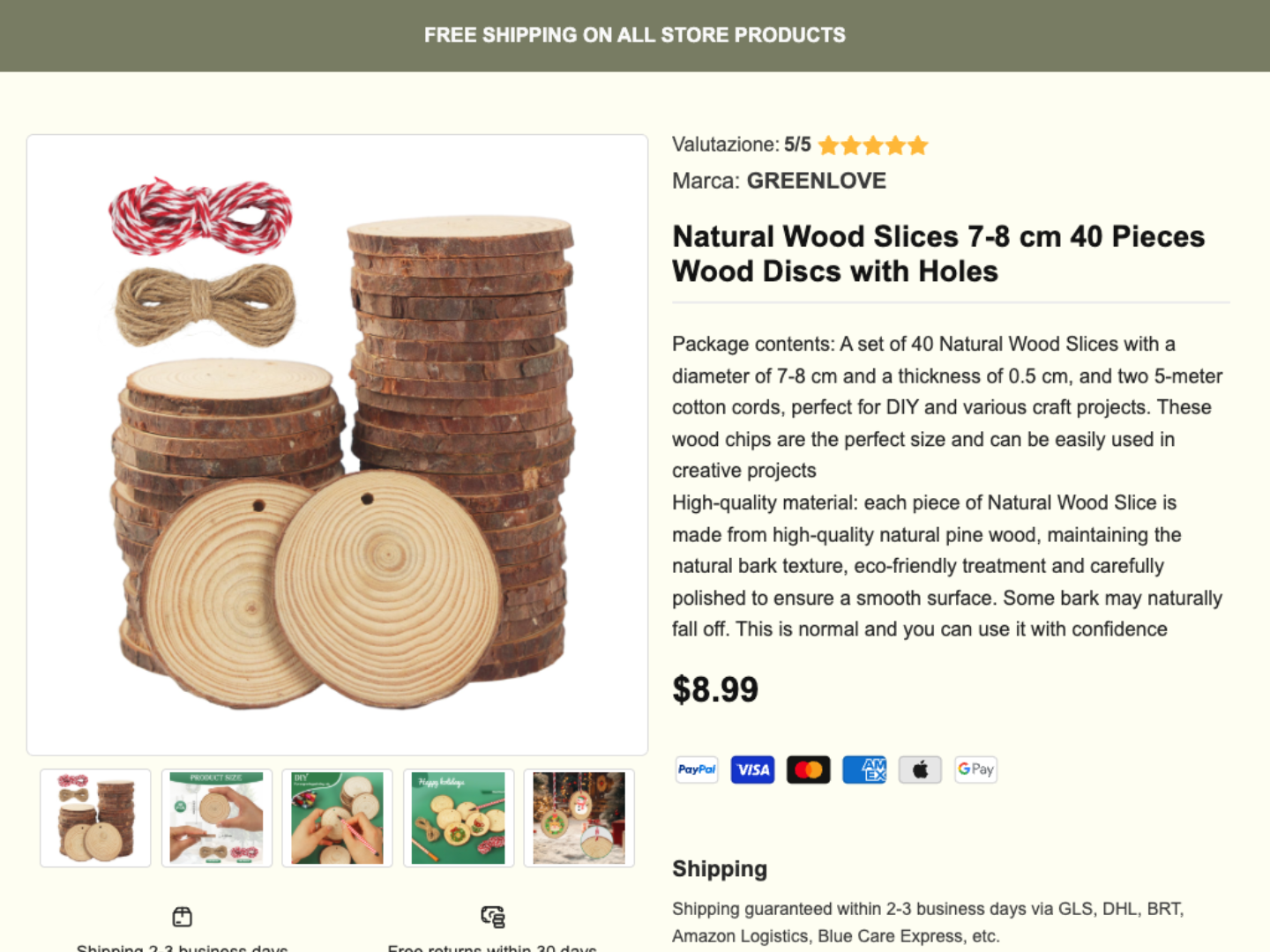
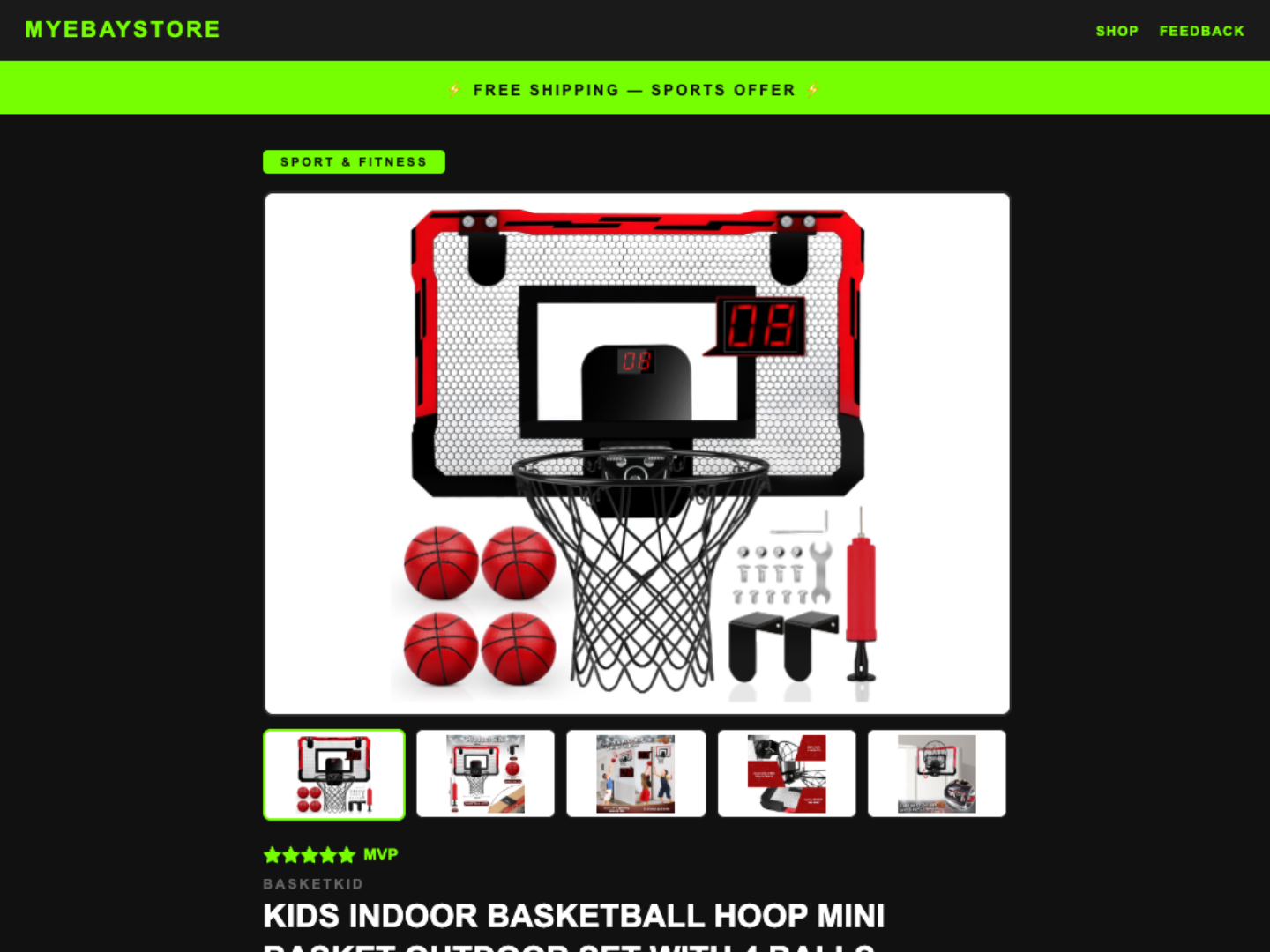
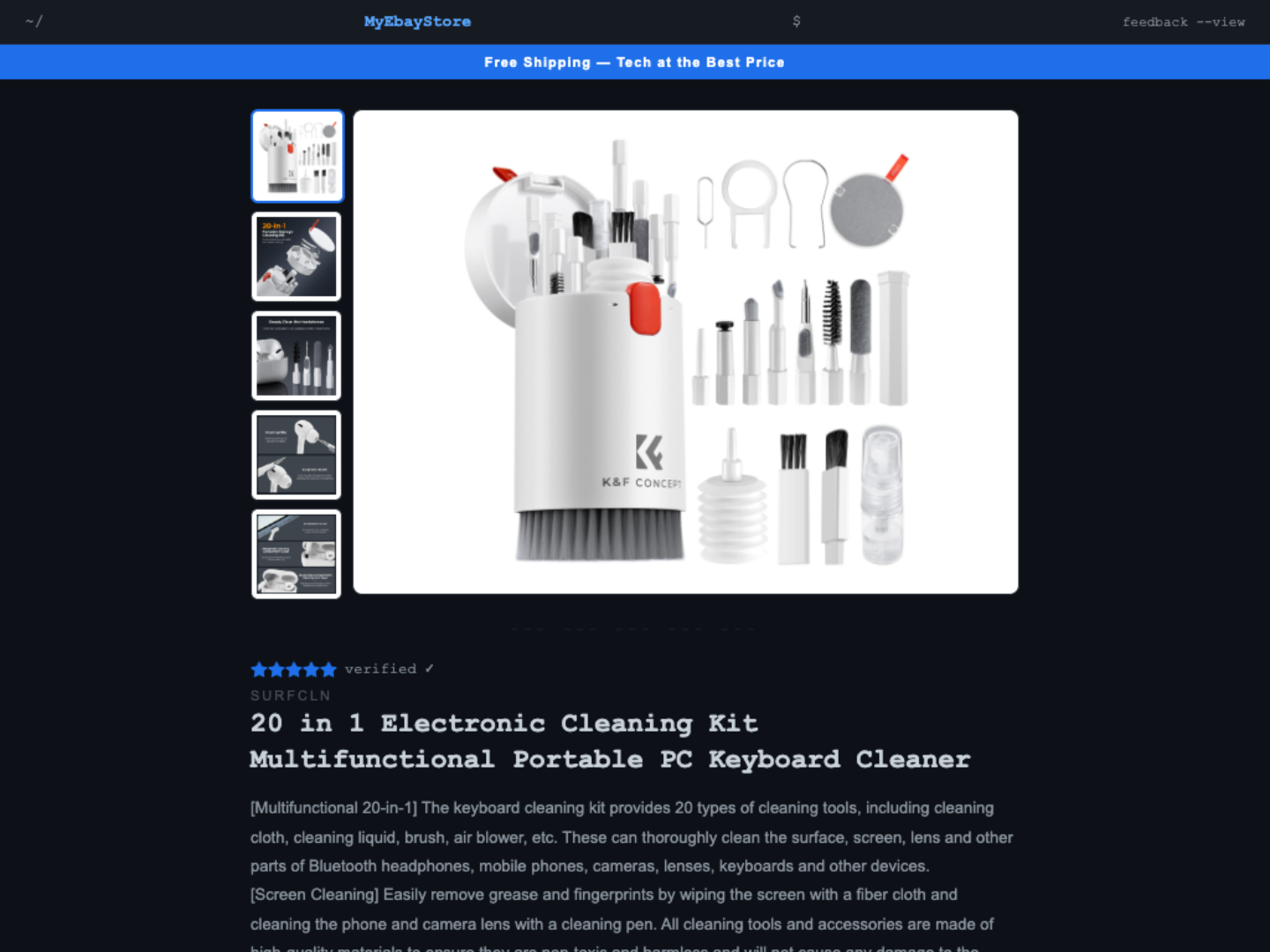
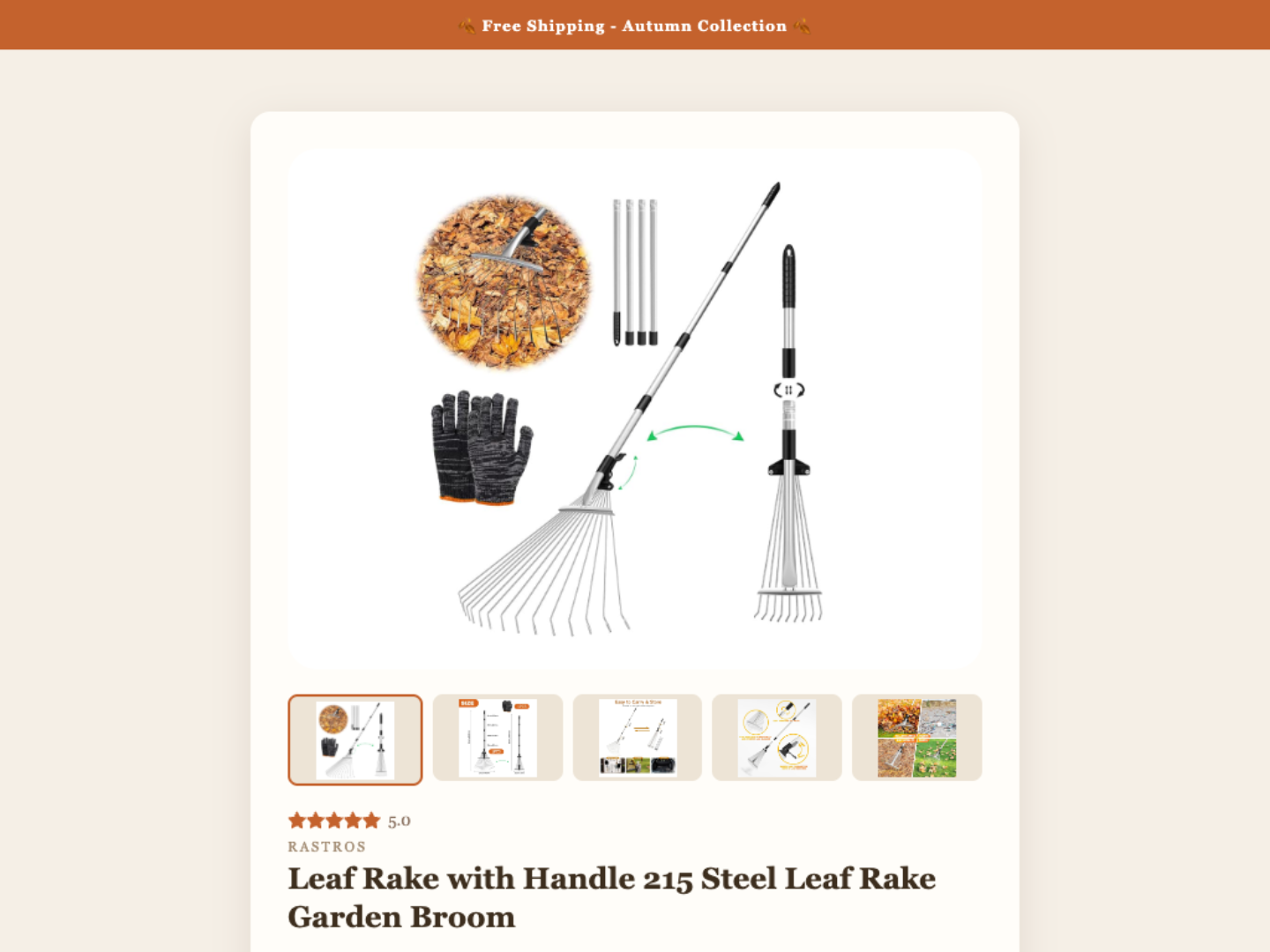
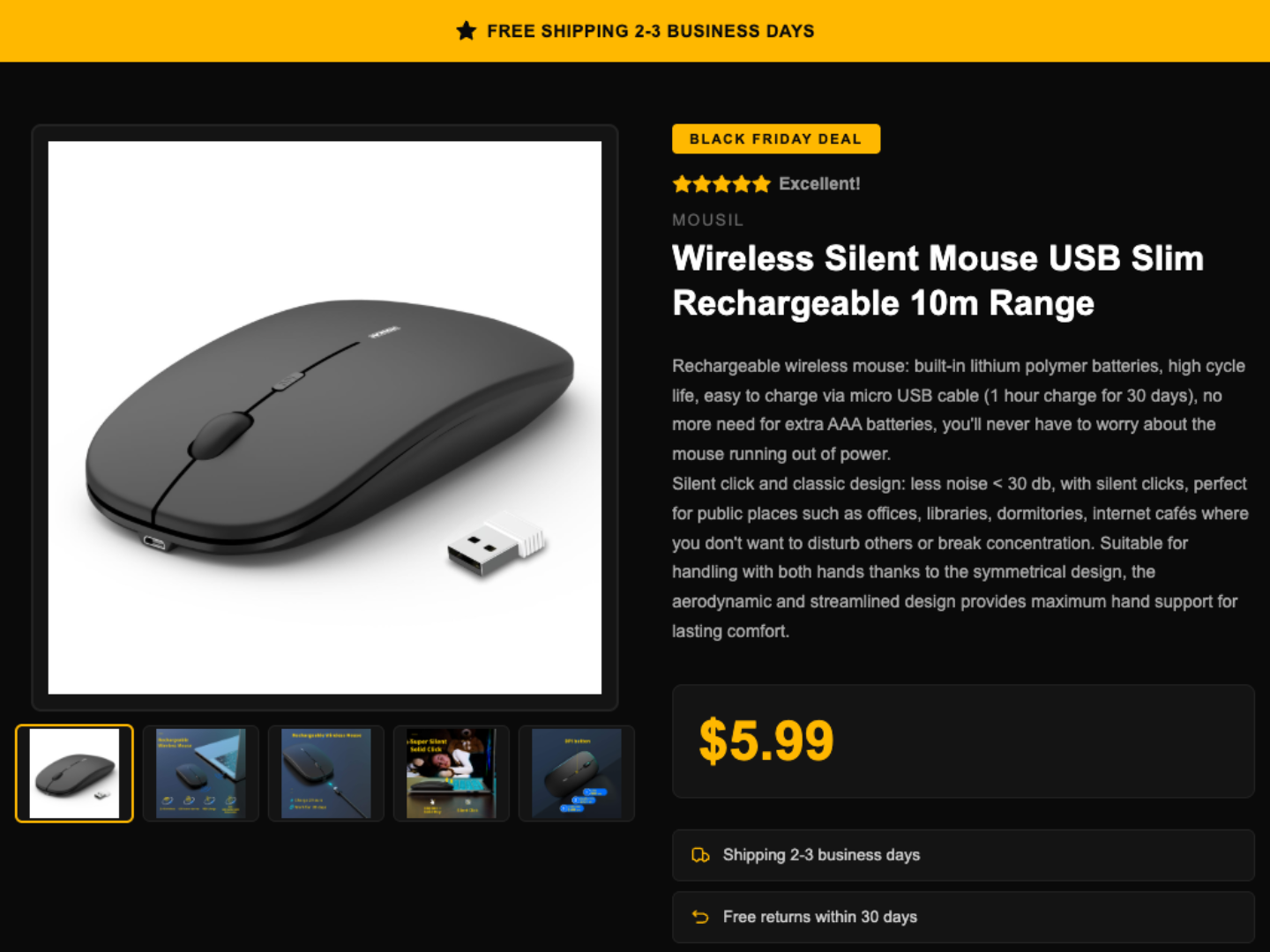
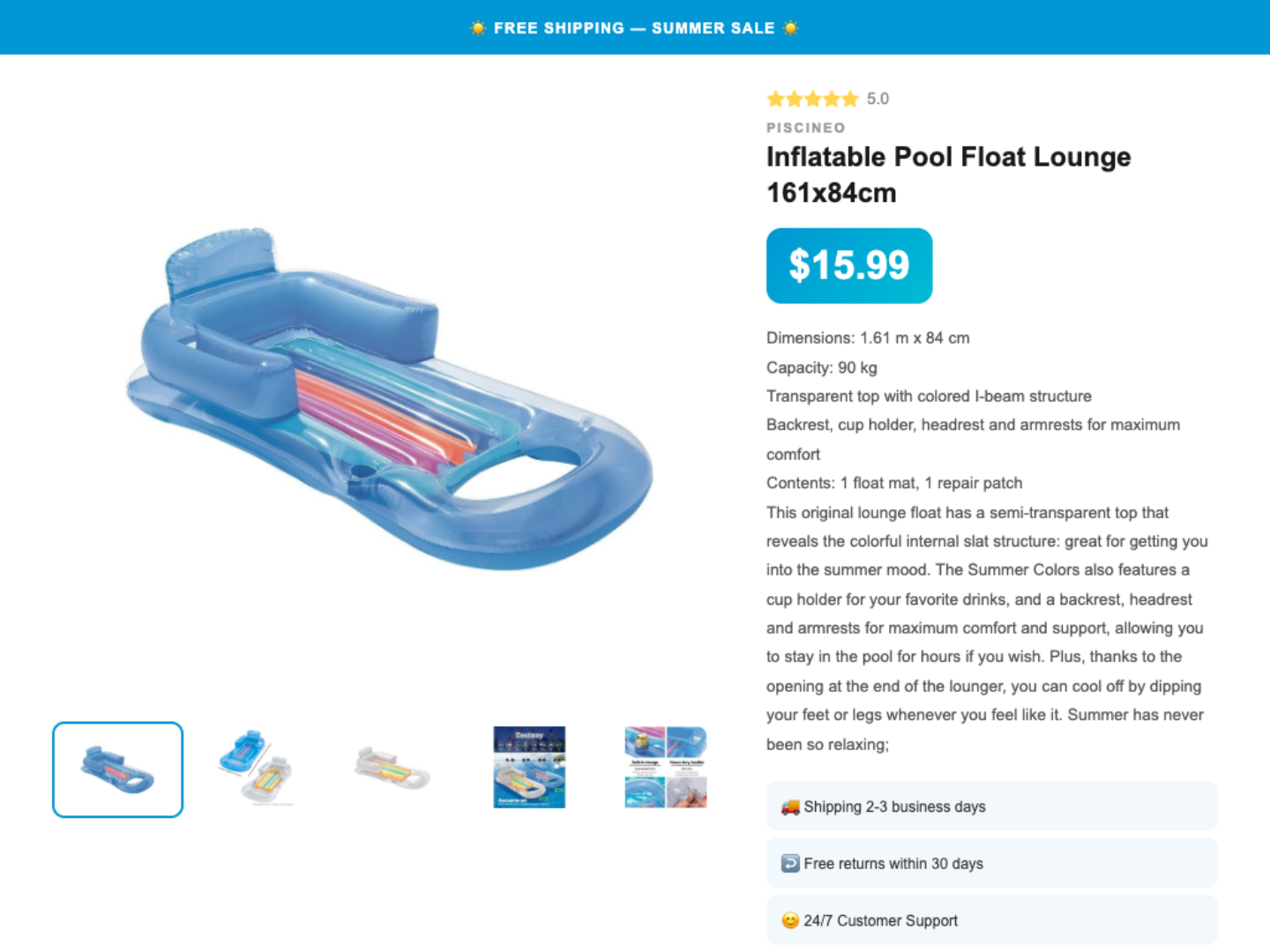
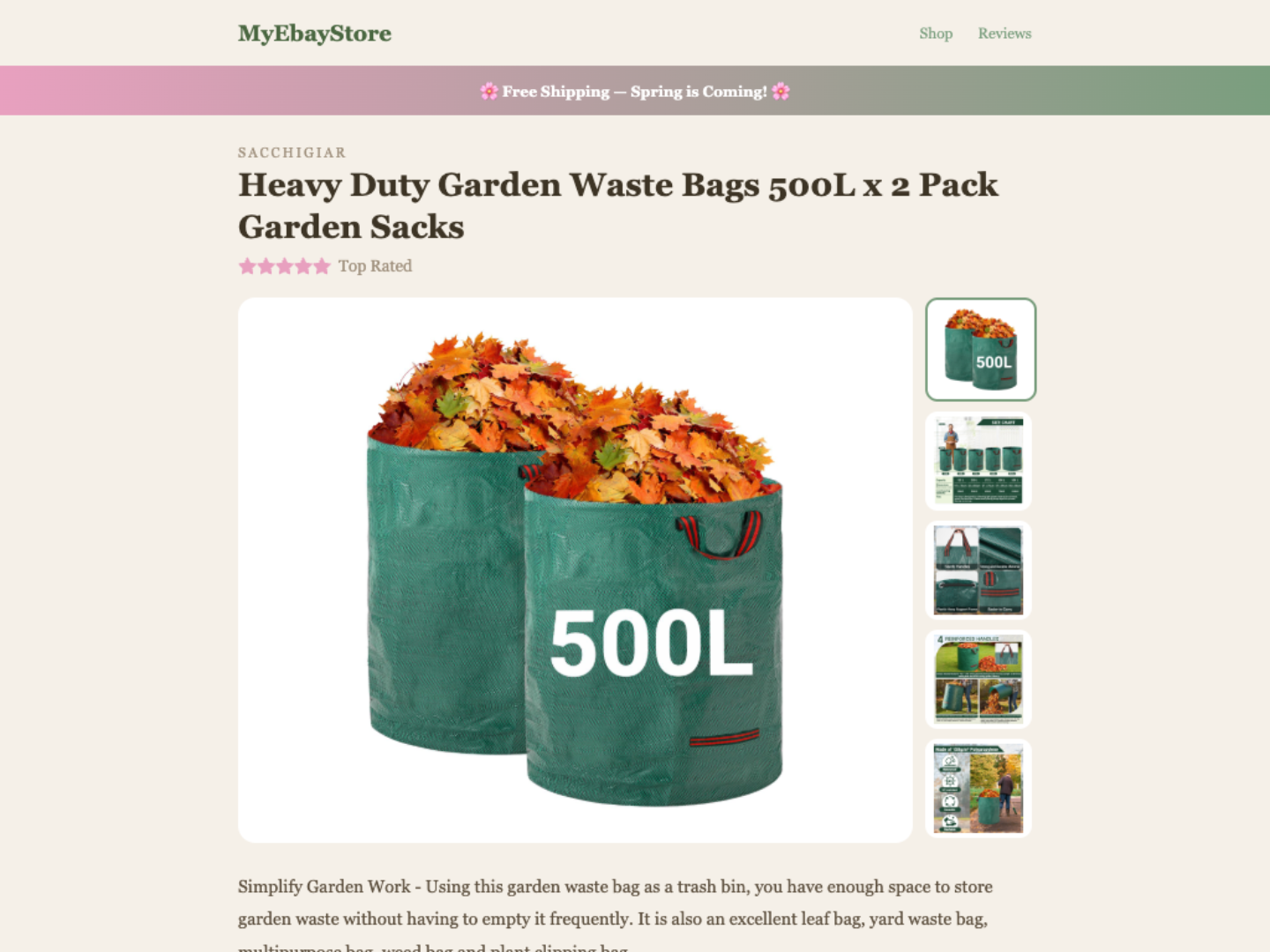
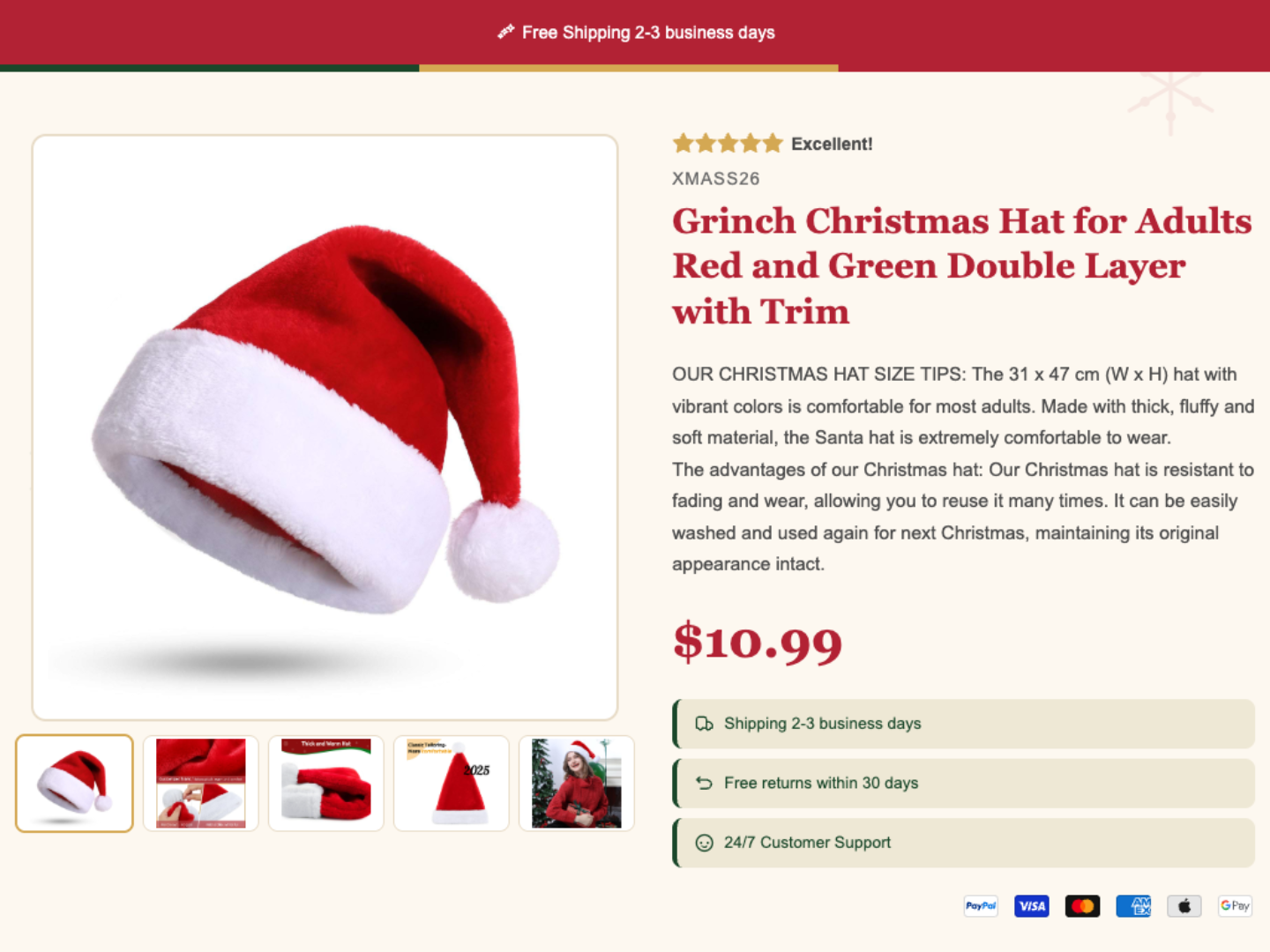
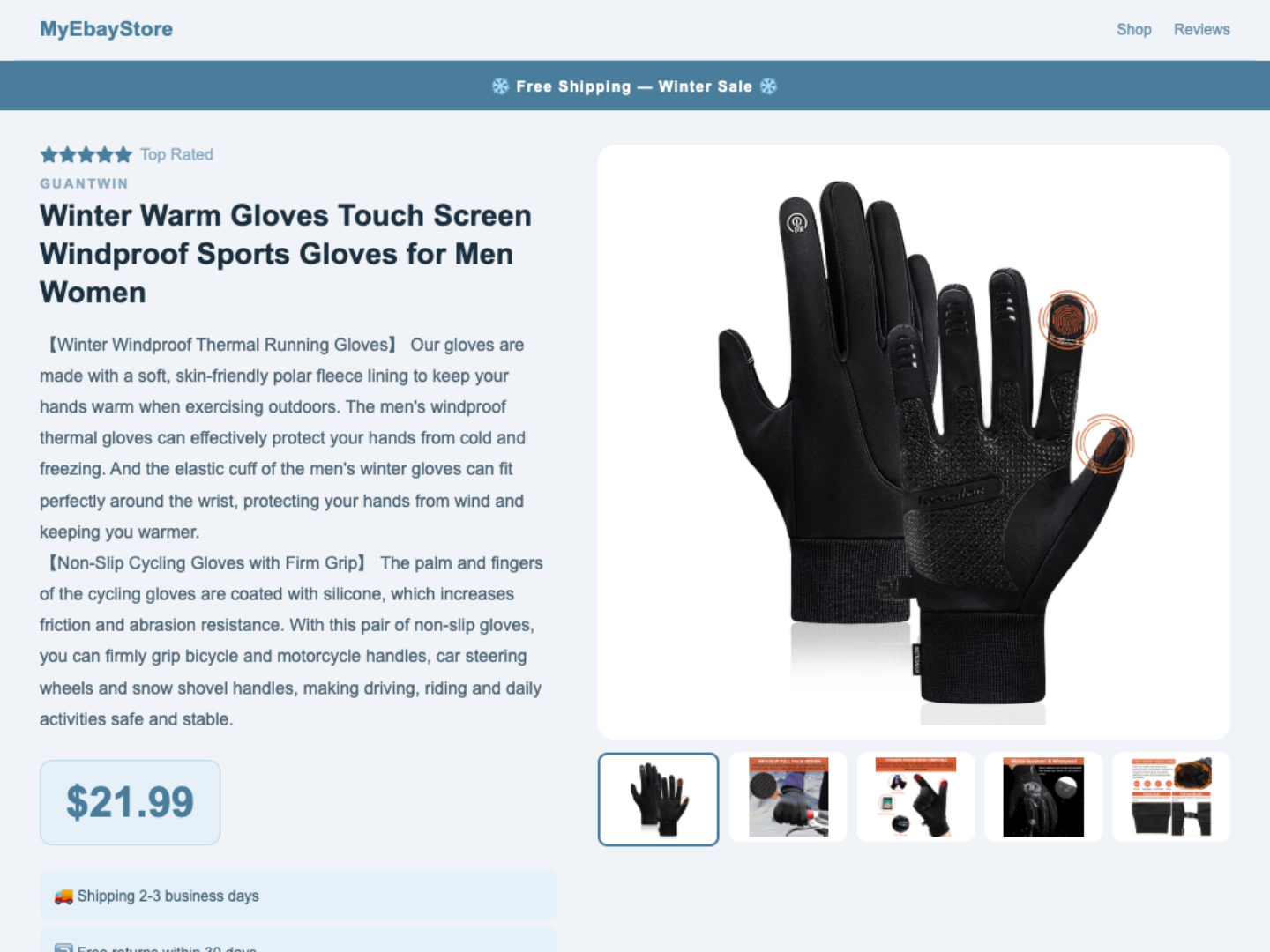
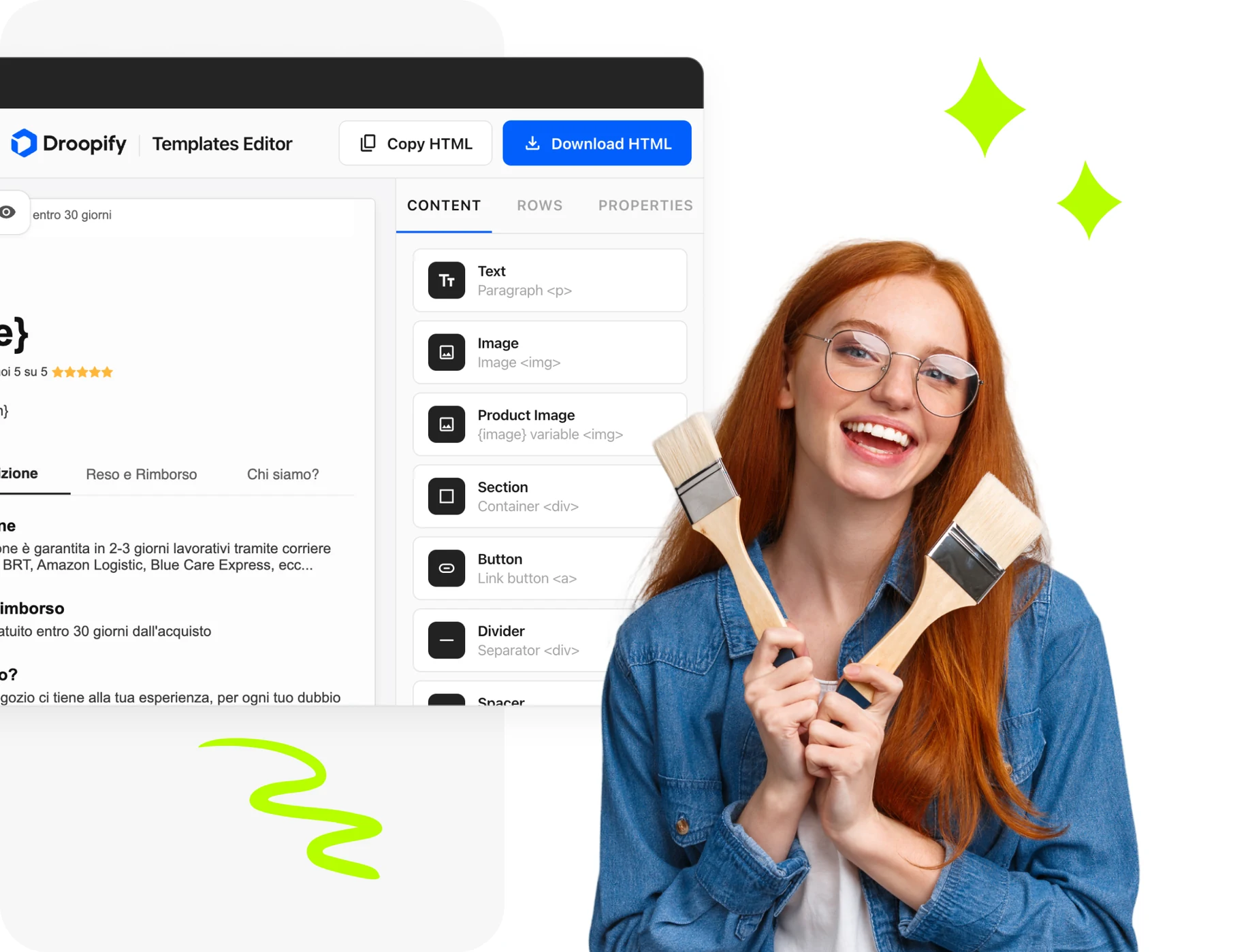
Open the drag & drop editor and build the perfect template for your eBay listings. Free, unlimited, no account required.
Open the free editorListings with a professional layout sell more. A well-designed template builds trust, makes information clear, and sets your products apart from the competition. No design skills needed: pick a template, customize it, and publish.

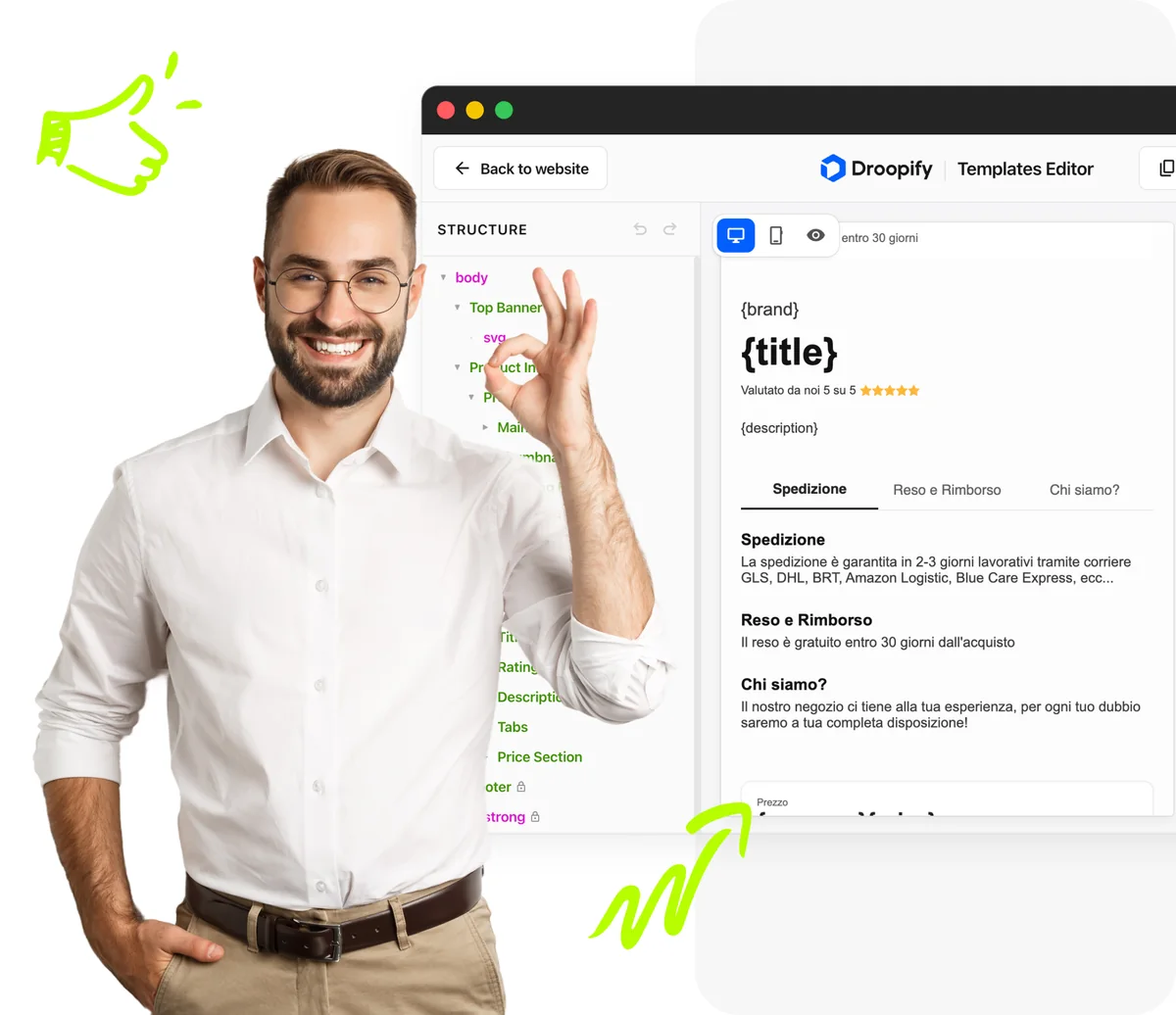
Edit any template or start from scratch. Change text, colors, images, and layout with an intuitive visual editor. No code required: see the result in real time and when you're happy, copy the HTML and paste it on eBay.
Yes, all templates in the gallery are completely free. You can download them, copy them, and use them in your eBay listings without limits and without creating an account.
Choose a template from the gallery, customize it if you want with the drag & drop editor, then copy the HTML and paste it into your eBay listing description by selecting HTML mode.
Of course. You can open any template in our drag & drop editor and change text, colors, images, and layout without writing code. Or, if you prefer, you can directly edit the HTML.
Yes. All templates are designed to comply with eBay guidelines: no JavaScript, no prohibited elements, responsive and lightweight layout.
Yes. The editor lets you start from a blank canvas and build your custom template with drag & drop, without limits.
Yes. The templates work on all international eBay marketplaces: ebay.it, ebay.com, ebay.co.uk, ebay.de, ebay.fr, and all others.
No. The editor is fully visual, drag & drop. You don't need to write code. Select, drag, edit, and see the result in real time.
Yes. You can copy the HTML to your clipboard with one click or download it as an .html file to use whenever you want.
Droopify is the all-in-one platform for eBay dropshipping. Beyond free templates, it offers order automation, price monitoring, competitors scanner, and much more. You can try it free for 14 days.
Droopify offers a modern, fast, and completely free editor with professional ready-to-use templates. Unlike other tools, it requires no account, has no limits, and templates are optimized for current eBay policies.
Whether you're just starting or already managing hundreds of listings, Droopify simplifies the entire process.
 15 minAverage daily management time
 4.8/5Average seller rating
 100%Automatic orders and tracking