The title is the first element that eBay's Cassini search algorithm analyzes to determine a listing's relevance to a buyer's query. A well-optimized title increases organic impressions, click-through rate, and consequently sales. Additionally, eBay titles are also indexed by Google Shopping and traditional search, making them a critical SEO factor both on-platform and off-platform.
Droopify eBay Title Generator
Optimize your eBay listing titles. Enter your unformatted title and get an optimized version.
Enter your listing title
Is the result incorrect? Want to report the issue?
Send us a messageWHAT IS IT
What is Droopify's eBay Title Generator?
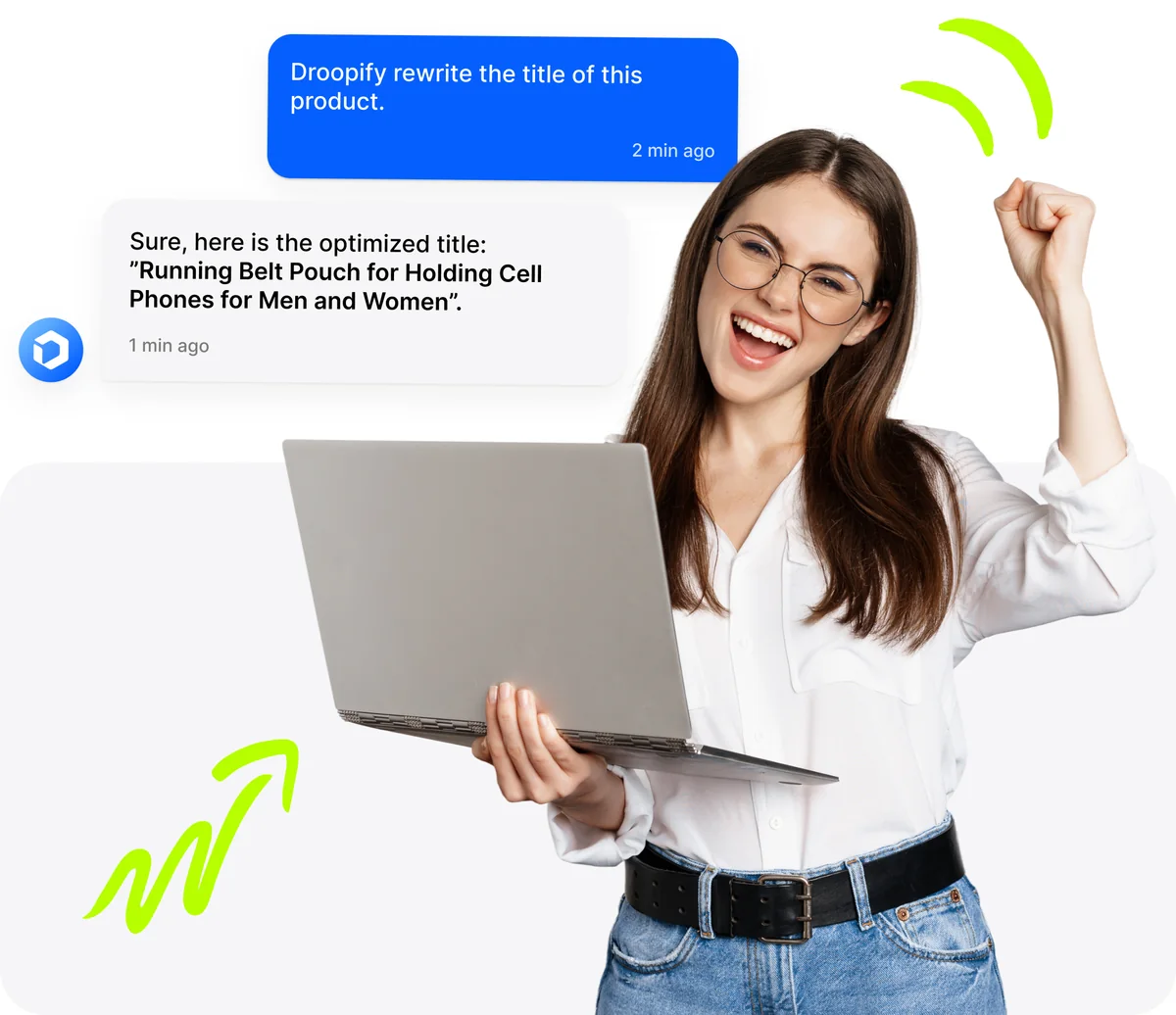
A free tool that analyzes and rewrites your eBay listing titles to maximize visibility and sales. Enter your raw title and get a version optimized for eBay's Cassini algorithm, with the right keywords in the right place.
WHY IT MATTERS
Why does an optimized title make the difference on eBay?
eBay's Cassini algorithm decides which listings to show to buyers. A well-crafted title with the right keywords can increase visibility by up to 40%. If the title isn't optimized, your listing ends up at the bottom of the results, even if the product is competitive.
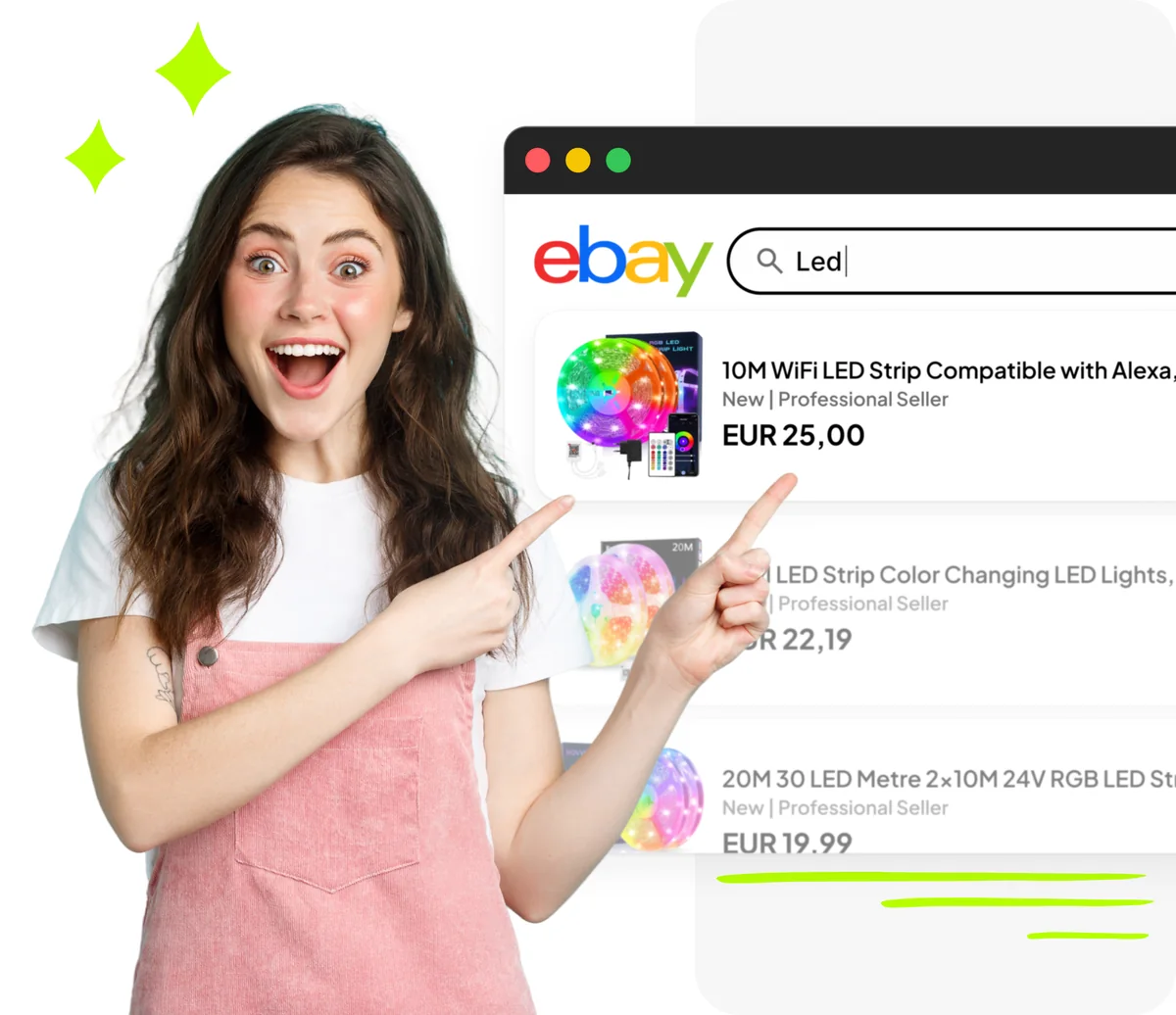
Optimize your eBay titles with Droopify. 14 days free.
14-day free trial
Cancel anytime
Built for eBay sellers, at every level.
Whether you're just starting or already managing hundreds of listings, Droopify simplifies the entire process.
 15 minAverage daily management time
 4.8/5Average seller rating
 100%Automatic orders and tracking
Free Tools
- eBay Competitors Scanner
- eBay Title Generator
- Template Editor + Free Templates
- eBay Fees Calculator

Frequently asked questions
eBay allows a maximum of 80 characters for a listing title. It's essential to use all available space by inserting relevant keywords, without unnecessarily repeating them. Every word should add informational and search value: brand, model, color, size, material, condition, and distinctive product features.
An effective eBay title should: 1) start with the main keyword (brand + model), 2) include relevant attributes like color, size, material, and condition, 3) avoid special characters, asterisks, and exclamation marks that add no search value, 4) not use generic words like "wow" or "bargain," 5) use all 80 available characters, 6) use proper capitalization to improve readability.
eBay's Cassini algorithm evaluates exact and partial matches between the words in the title and the buyer's search query. Titles with relevant, well-placed keywords receive a higher relevance score, which translates to better placement in search results. Cassini also considers CTR and conversion rate: a clear, descriptive title that attracts qualified clicks improves ranking over time.
It depends on how buyers search for the product. Very common abbreviations (e.g., "TV," "PC," "USB") are preferable to their full forms because they match the most common queries. For less well-known terms, use the full word. If space allows, you can include both the abbreviation and the full term to capture both types of searches. The goal is to maximize matches with actual user queries.
Yes, Google indexes eBay listing pages and the eBay title becomes the page's title tag. This means a title optimized for eBay's internal search also works as off-platform SEO, driving free organic traffic from Google, Google Shopping, and other search engines. Including long-tail keywords in the title can capture specific high-purchase-intent searches directly from the SERP.
Absolutely yes. The brand is one of the keywords with the highest search volume on eBay. Buyers frequently filter and search by brand, so omitting it means losing visibility on a huge segment of queries. Position the brand at the beginning of the title to maximize relevance. For compatible products, specify both the product brand and the compatible device brand.
You can use several strategies: 1) eBay's search bar with autocomplete shows the most searched queries, 2) analyze the titles of top sellers in your category, 3) consult eBay Terapeak for data on top-performing keywords, 4) use Google Trends to identify seasonal or trending terms, 5) tools like Droopify's competitors scanner that automatically analyzes the market and suggests the most relevant keywords for your niche.
Avoid: keyword stuffing (repeating the same word multiple times), useless special characters (★, ✅, !!, ***), filler words with no search value ("look," "L@@K," "wow"), shipping information ("free shipping" - there's a dedicated filter), all caps (reduces readability and eBay may penalize it), and most importantly misleading terms that don't describe the actual item, as they generate returns and negative feedback.
Review your titles whenever you notice a drop in impressions or sales, when seasonal search trends change (e.g., "Christmas gift," "Black Friday"), or when eBay updates its algorithm. A good approach is to run cyclical A/B tests every 30-60 days on your main listings. Droopify can automate this process by monitoring performance and suggesting optimizations based on real-time market data.
Let Droopify optimize your eBay titles for you!
14-day free trial
Cancel anytime