eBay Fees Calculator: Free Profit Tool for Every Marketplace


eBay Fees Calculator is a free tool that estimates the net profit of an eBay sale before you publish. Droopify's eBay Fees Calculator works on every major eBay marketplace (US, UK, Australia, Canada, Germany, France, Spain, Italy) and updates in real time on the variables that matter: category, seller level, store subscription, currency, and tax.
Most sellers underestimate how far the listing price sits from the actual payout. A reliable calculator removes the guesswork before you publish.
What is an eBay Fees Calculator?
An eBay fees calculator is an online tool that estimates the total cost of selling an item on eBay (Final Value Fee, payment processing, seller-level surcharges, taxes on commissions) and returns the seller's net profit on a chosen price. The Droopify calculator runs this estimate in seconds, without an account, for every supported marketplace.
The output you need before listing is straightforward:
- Total platform fees on the transaction
- Net amount you receive
- Net profit after supplier cost
- Net margin as a percentage
Without these four numbers, every listing is a guess. Across hundreds of orders, those guesses compound into a real loss.
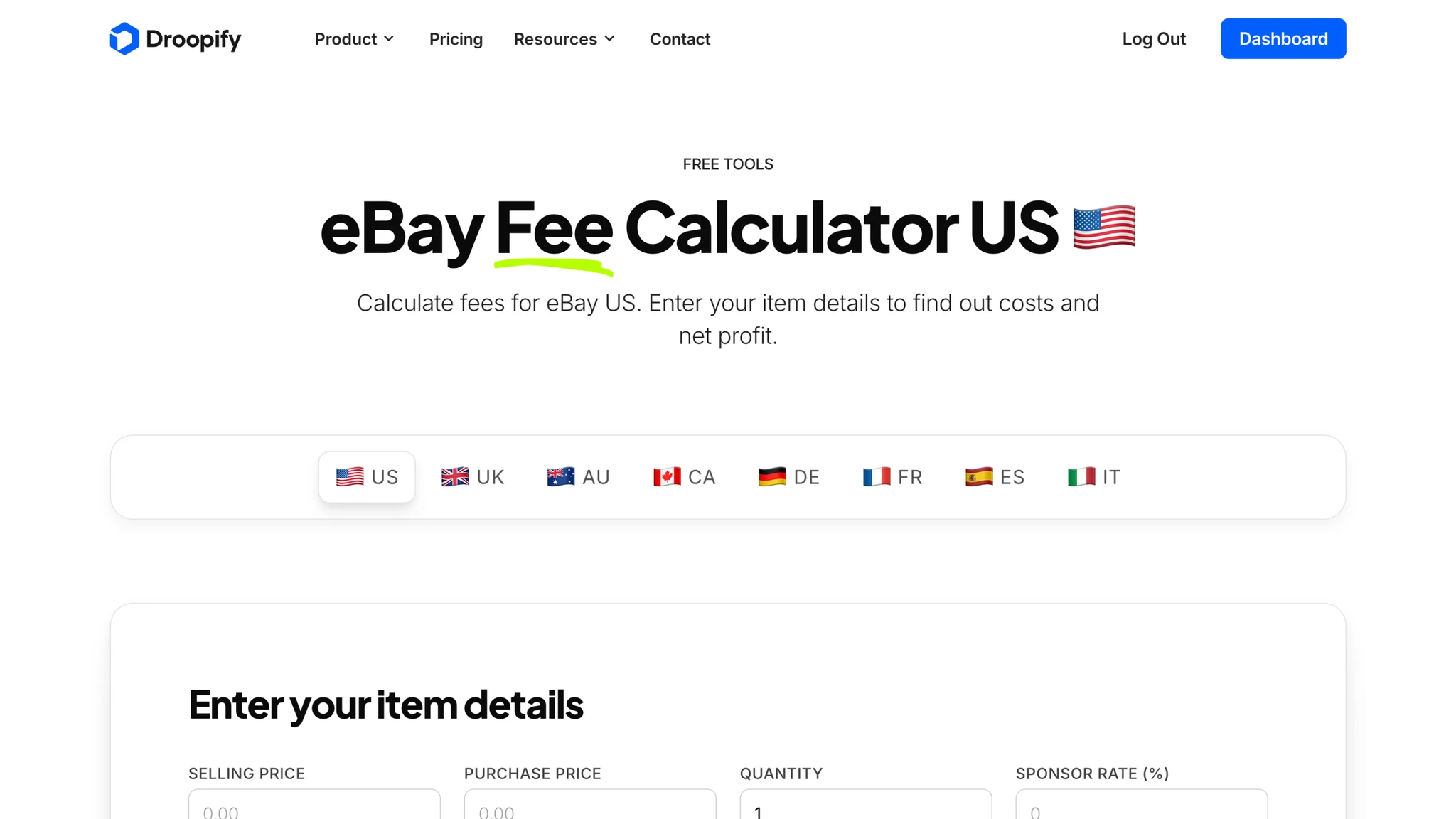
eBay Fees Calculator US (eBay.com)
The US calculator estimates fees for eBay.com and accounts for every variable specific to that marketplace: product category, Store subscription tier (Starter, Basic, Premium, Anchor, Enterprise), seller level, and payment processing in USD. On standard categories with Below Standard status, total platform costs on eBay.com can reach up to roughly 15% of the sale.
Open the eBay Fees Calculator US to model a listing in dollars before you publish.
Don't miss our guides
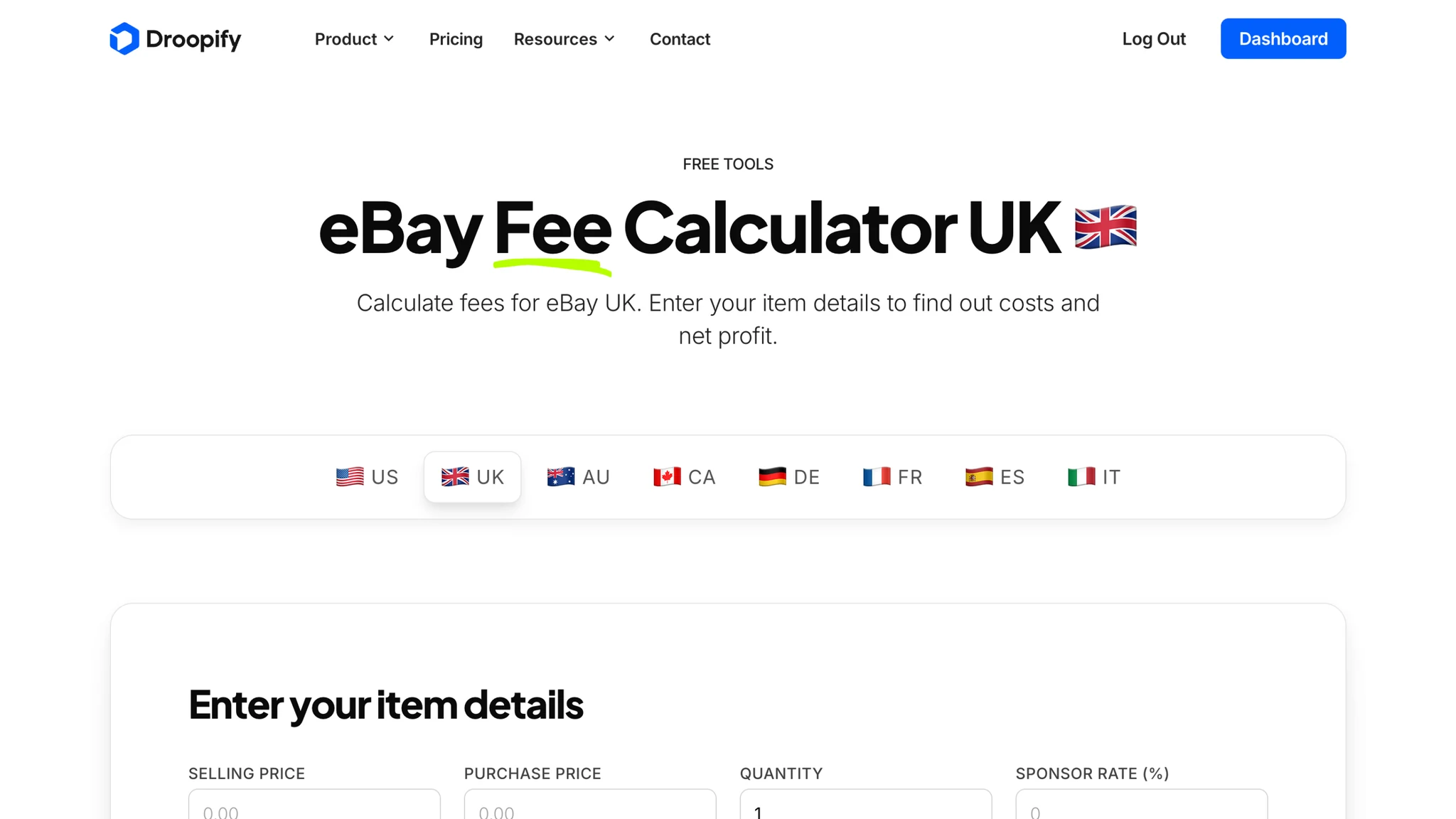
eBay Fees Calculator UK (eBay.co.uk)
The UK calculator is built for eBay.co.uk, with prices in pounds and VAT on platform fees already factored in. It covers every category supported by the UK marketplace and reflects the seller-level multiplier (Top Rated, Above Standard, Below Standard). Total costs on a UK sale can reach up to about 15% once VAT on commissions is added.
Run a UK listing through the eBay Fees Calculator UK before you publish.
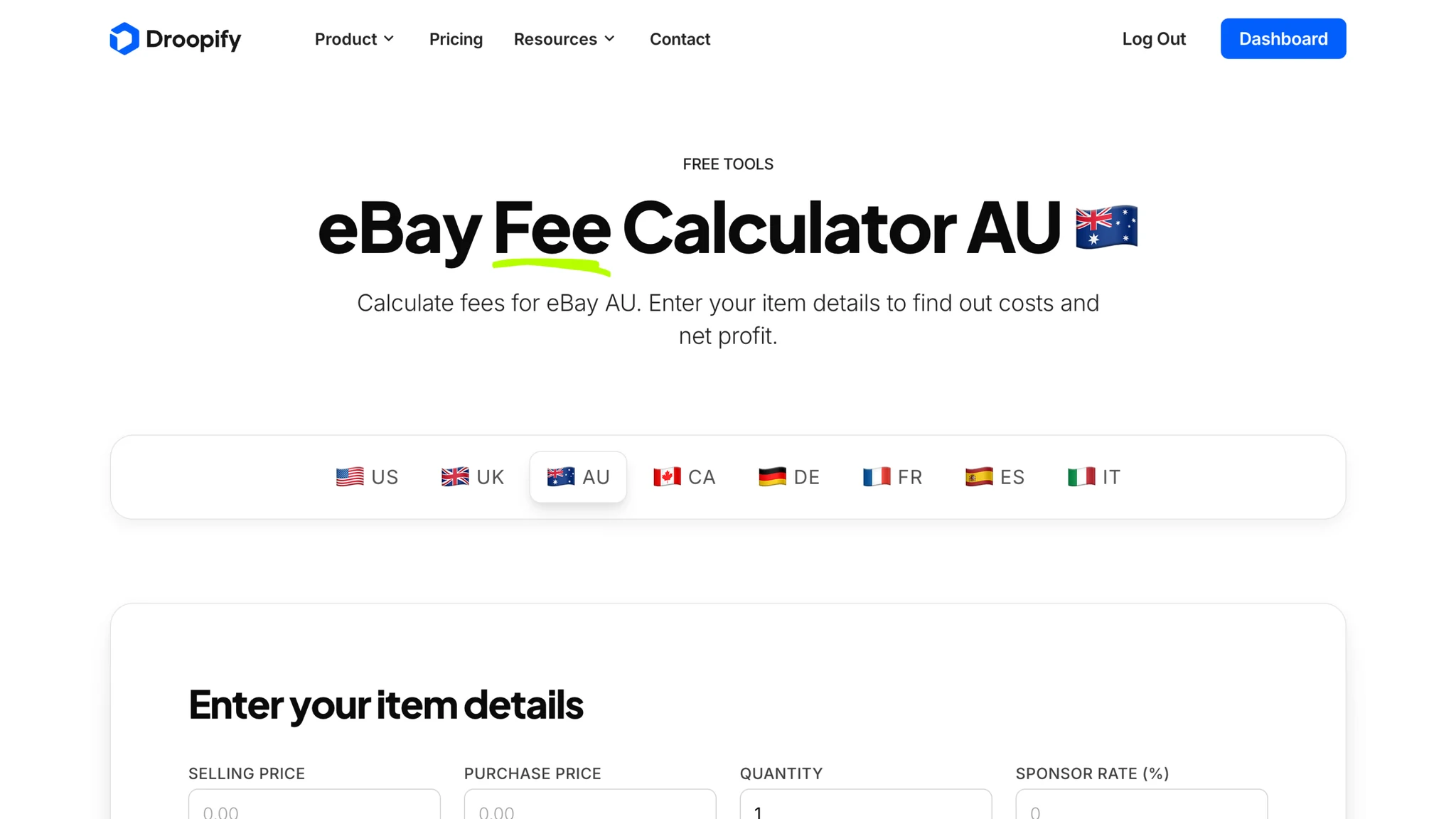
eBay Fees Calculator Australia (eBay.com.au)
The Australia calculator handles eBay.com.au listings in AUD and includes GST on platform fees. Store tiers on the Australian marketplace differ from the US ones (Basic, Featured, Anchor), and the calculator loads the correct schedule automatically.
Test an Australian listing on the eBay Fees Calculator Australia.
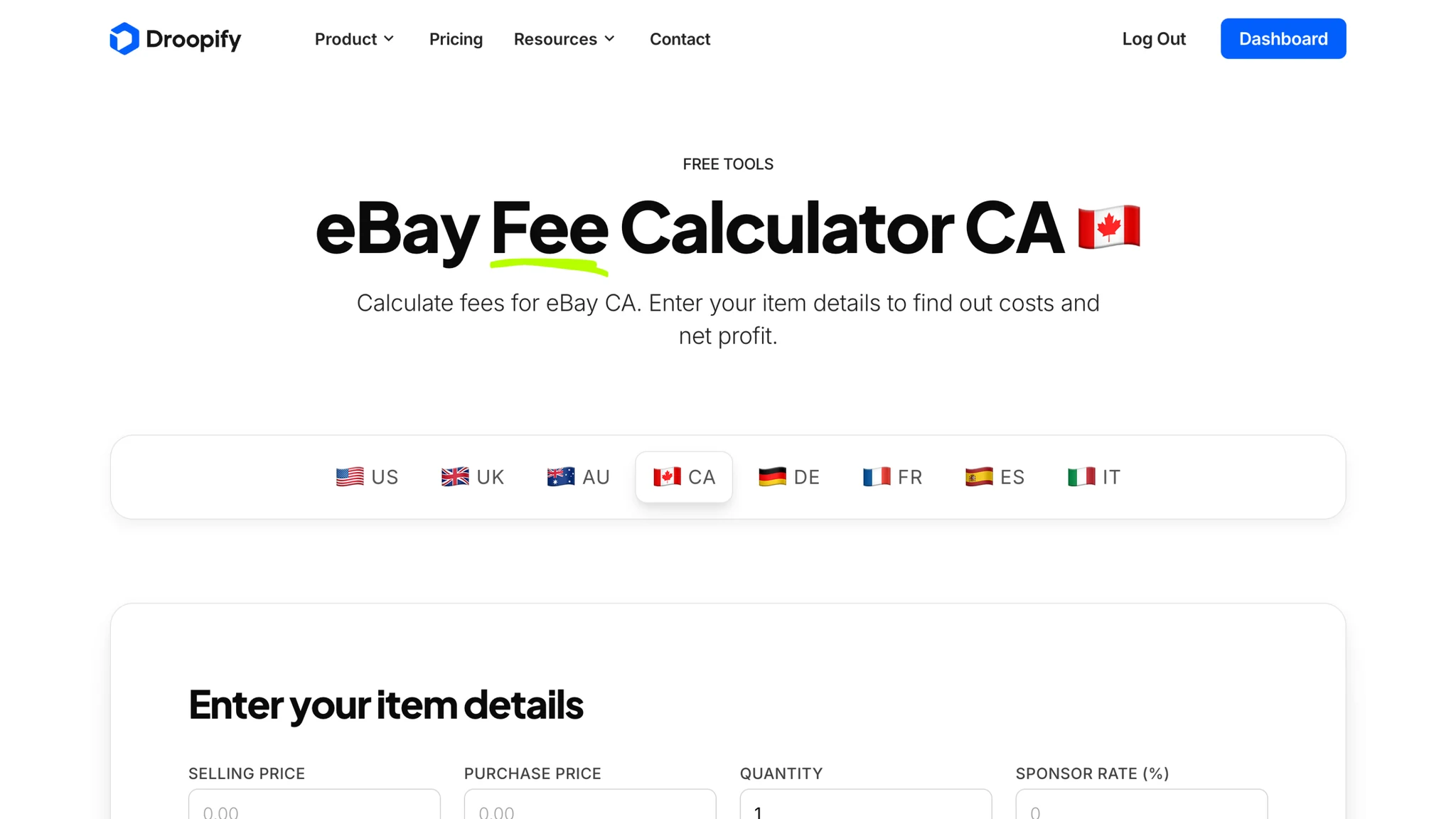
eBay Fees Calculator Canada (eBay.ca)
The Canada calculator runs on eBay.ca, with the Canadian fee schedule and CAD as the default currency. It reflects the local Store tiers (Basic, Premium, Anchor) and the payment processing rate applied to Canadian sellers.
Calculate net profit on a Canadian listing with the eBay Fees Calculator Canada.
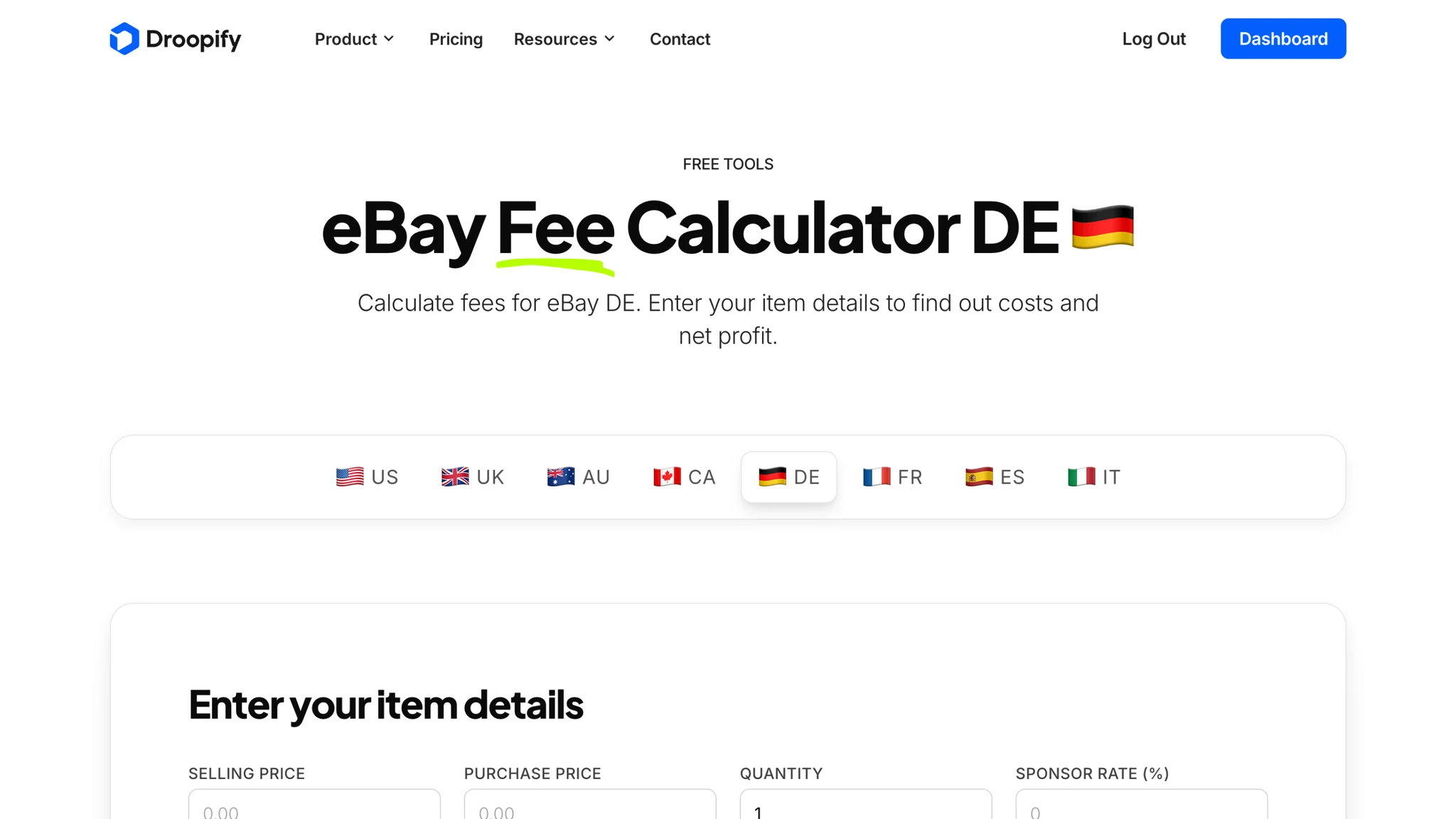
eBay Fees Calculator Germany (eBay.de)
The Germany calculator covers eBay.de in EUR and accounts for MwSt (VAT) on commissions, which is reclaimable for VAT-registered businesses. Germany regularly runs promotional periods with reduced FVF for new sellers, and the calculator makes those scenarios easy to compare side by side.
Plug your numbers into the eBay Fees Calculator Germany.
eBay Fees Calculator France (eBay.fr)
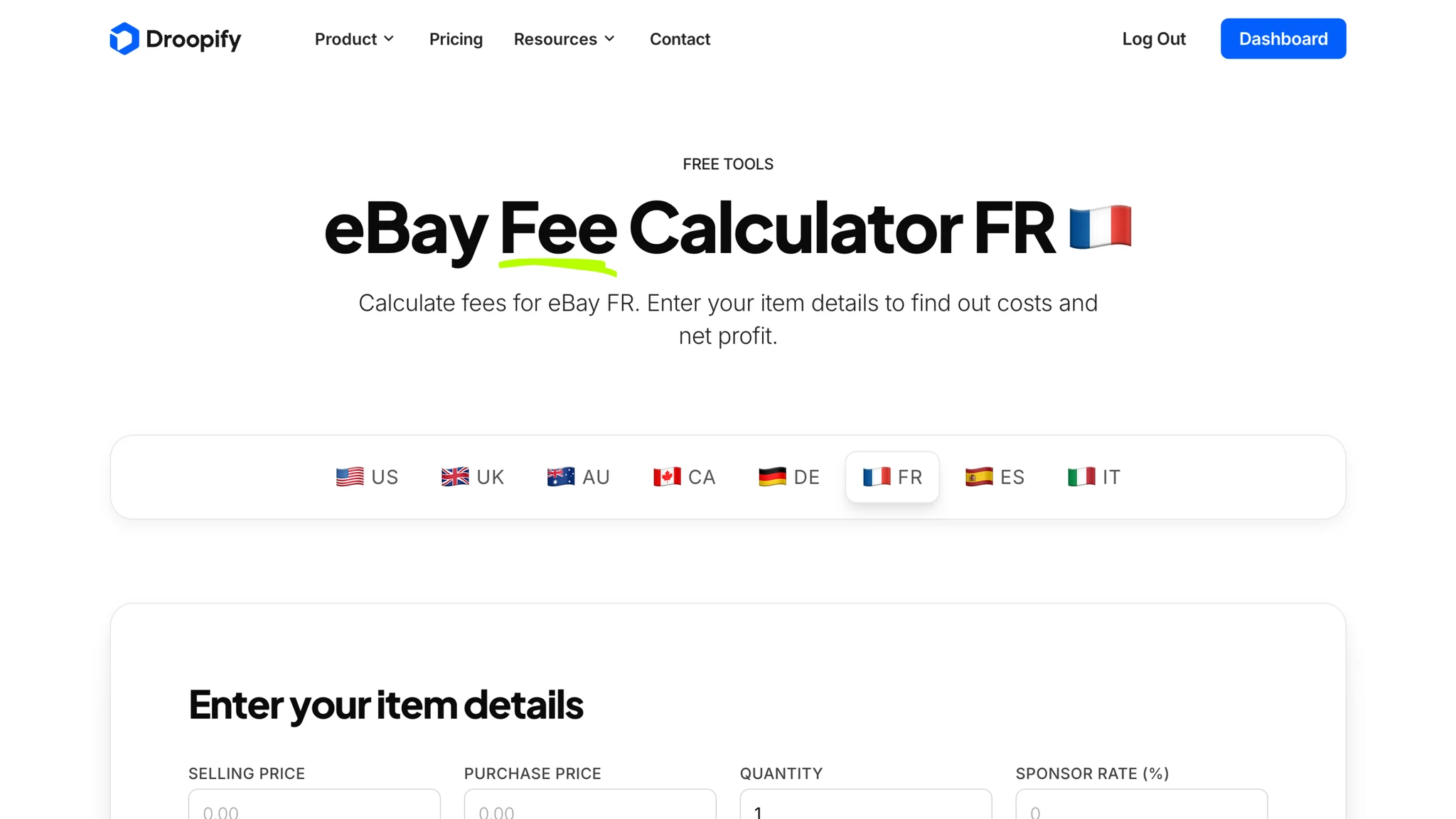
The France calculator targets eBay.fr, with French TVA included in the fee total. It uses the category map specific to the French marketplace and adjusts payment processing per local rules.
Open the eBay Fees Calculator France before publishing on eBay.fr.
eBay Fees Calculator Spain (eBay.es)
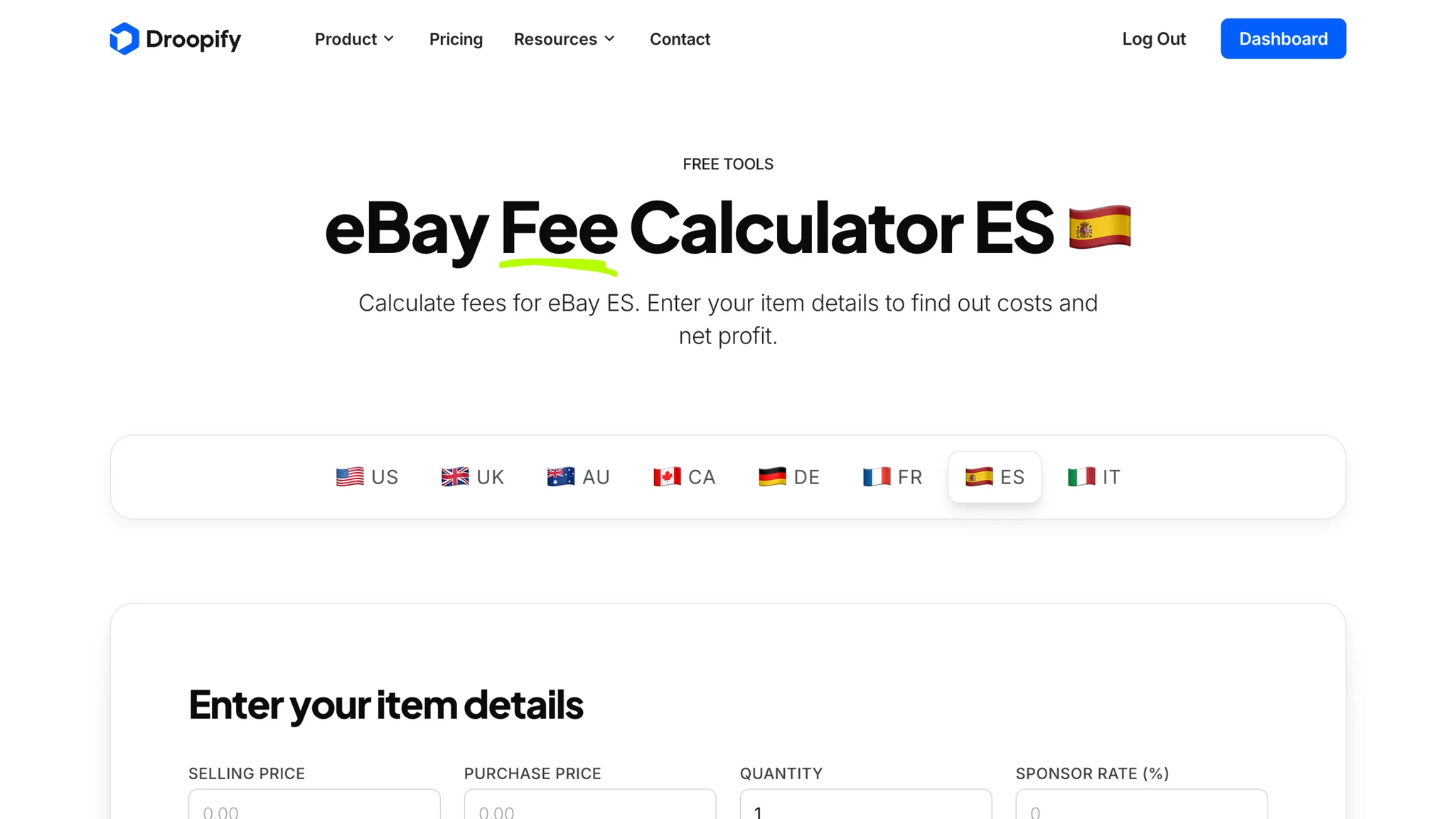
The Spain calculator processes eBay.es listings in EUR. The Spanish fee schedule is in line with other EU marketplaces, while tax on commissions follows local IVA rules. Both factors are pre-loaded in the calculator.
Run a Spanish listing through the eBay Fees Calculator Spain.
eBay Fees Calculator Italy (eBay.it)
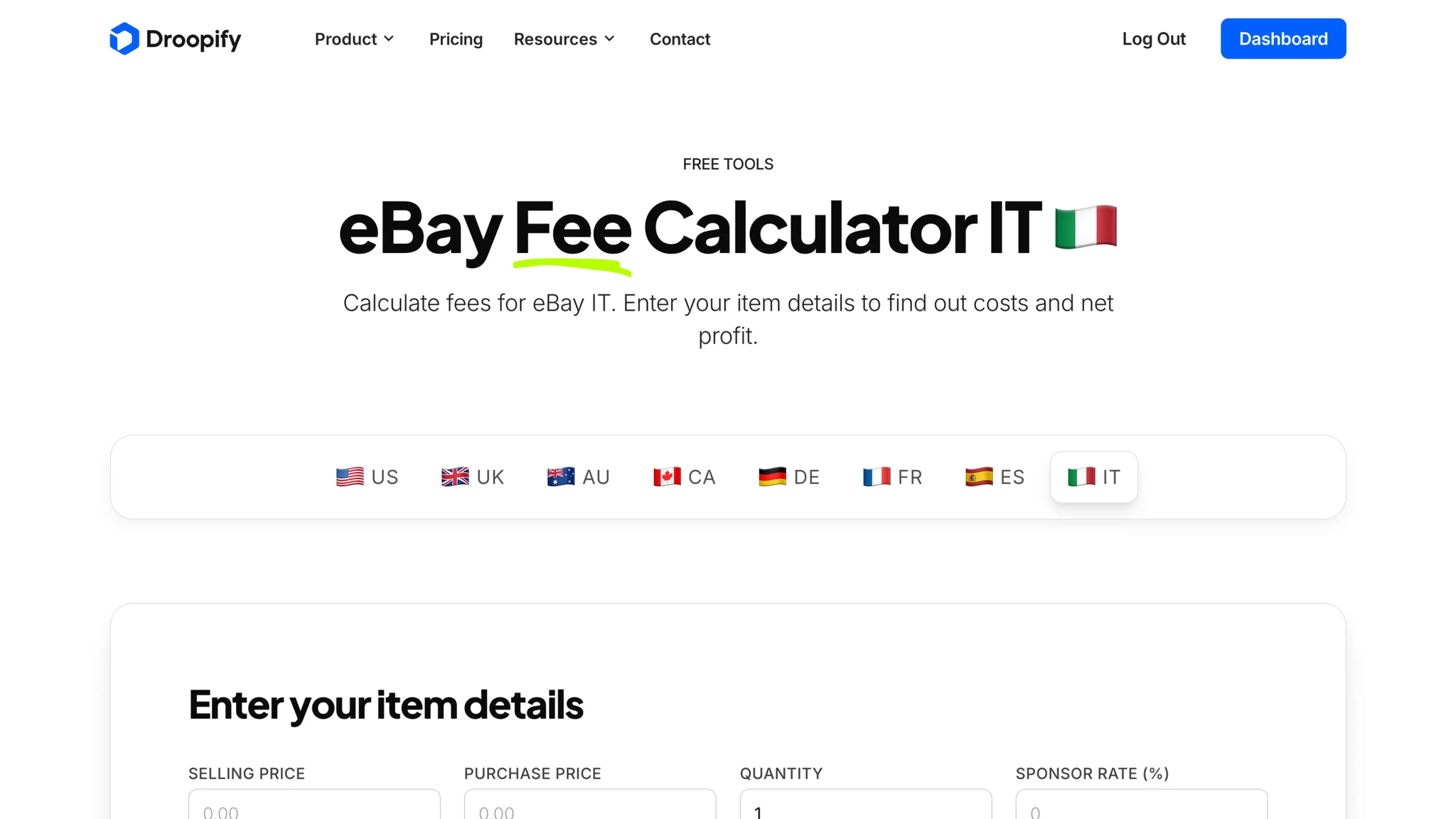
The Italy calculator works on eBay.it, with the Italian fee structure and 22% IVA on platform commissions already factored in. It covers every category eligible on the Italian marketplace and lets sellers test their break-even price in seconds.
Use the eBay Fees Calculator Italy on every Italian listing.
How to Use an eBay Fees Calculator Before Listing
The right workflow is to calculate before you list, not after. The minimum inputs the calculator needs are sale price, item category, and supplier cost. Optional inputs (Store subscription, seller level, shipping cost) refine the estimate further.
Follow this sequence on every product:
- Pick the marketplace where you plan to list.
- Select the category that matches the item.
- Enter your supplier cost and the price you intend to set.
- Adjust the Store tier and seller level to match your real account.
- Read the net profit and net margin output before publishing.
Targeting a minimum acceptable margin (commonly 20% on dropshipping) gives a clear rejection rule on products that will not be profitable on a given marketplace.
Why Use Droopify's eBay Fees Calculator
Droopify's calculator is built on the same fee engine used inside the Droopify platform to track real profit on hundreds of thousands of dropshipping orders per month. Three points make it different from a generic spreadsheet:
- Per-marketplace tax logic: VAT, GST, and Sales Tax handling are not estimates, they match the rule applied by eBay in each region.
- Seller-level toggle: changing seller status updates the FVF discount or surcharge in real time, so the output mirrors your actual account.
- No signup, no rate limit: every marketplace calculator is fully usable without an email, on any device.
For the full breakdown of how eBay fees actually stack up, including the difference between Top Rated and Below Standard accounts, read how eBay seller fees work. When you are ready to track real profit across every listing instead of simulating it, start the free 14-day trial of Droopify.
Frequently Asked Questions
What is the best eBay fees calculator?
The best eBay fees calculator is the one that supports your specific marketplace, handles VAT or GST automatically, and includes seller-level adjustments. Droopify's calculator covers the eight main eBay marketplaces (US, UK, AU, CA, DE, FR, ES, IT) and updates fee logic with every eBay rate change. It is free to use, with no account required, and runs entirely in the browser.
How accurate is an eBay fees calculator?
An eBay fees calculator is as accurate as its category map and tax engine. The Droopify calculator pulls from the same backend used internally to process tens of thousands of dropshipping orders per month, which means the output is within cents of what eBay actually deducts. The only variables it cannot predict are mid-cycle promotional changes from eBay itself.
Does the eBay fees calculator work for dropshipping?
Yes. The calculator accepts a supplier cost as input and returns net profit after that cost is subtracted, which is exactly the model dropshippers need. Many sellers use it to enforce a minimum margin threshold (often 20% to 25%) before approving a product on any marketplace.
Can I use the eBay fees calculator for international marketplaces?
Yes. Droopify provides a dedicated calculator per marketplace (US, UK, Australia, Canada, Germany, France, Spain, Italy), so currency, tax rate, Store tier, and category map are always set for the country you target. Switching marketplace is a single click on the marketplace picker at the top of every calculator page.
Do I need an account to use the eBay fees calculator?
No. The Droopify eBay fees calculator is publicly accessible on every marketplace URL and requires no signup. A Droopify account unlocks automatic profit tracking on imported products and on every real order, but the calculator itself is open to anyone.
Conclusion
The cost of a wrong fee estimate is invisible at first and very real after 100 orders. A reliable eBay fees calculator removes that risk: pick the marketplace, enter the inputs, read the net profit. Do it on every product, every time.
Droopify's calculator is free, multi-market, and built on the same engine used inside the platform. Open the calculator or start your free 14-day trial to track profit on real orders.